给每段文字一个位置。
用引号标明标题,把细节分行写出,并说明主次关系。发布前,请逐一校对生成图中的文字。
写下提示词,引用需要的文字,然后点击生成。
模型
上面的生成器跑的是托管的开源 MOSS-Image 权重。打开 MOSS-Image 生成器单独使用,或先看 Base 和 SFT 的差别再选。
把生成器切换到布局编辑器(Layout Builder),为每个标题、日期或插图画一个框。编辑器会自动写出 MOSS-Image JSON 布局;切换画面比例时,方框的相对位置保持不变。
提示词作品集
六个可借用、可修改的创作起点。下方每张图都由 MOSS-Image(SFT)在本站按所示提示词真实生成。
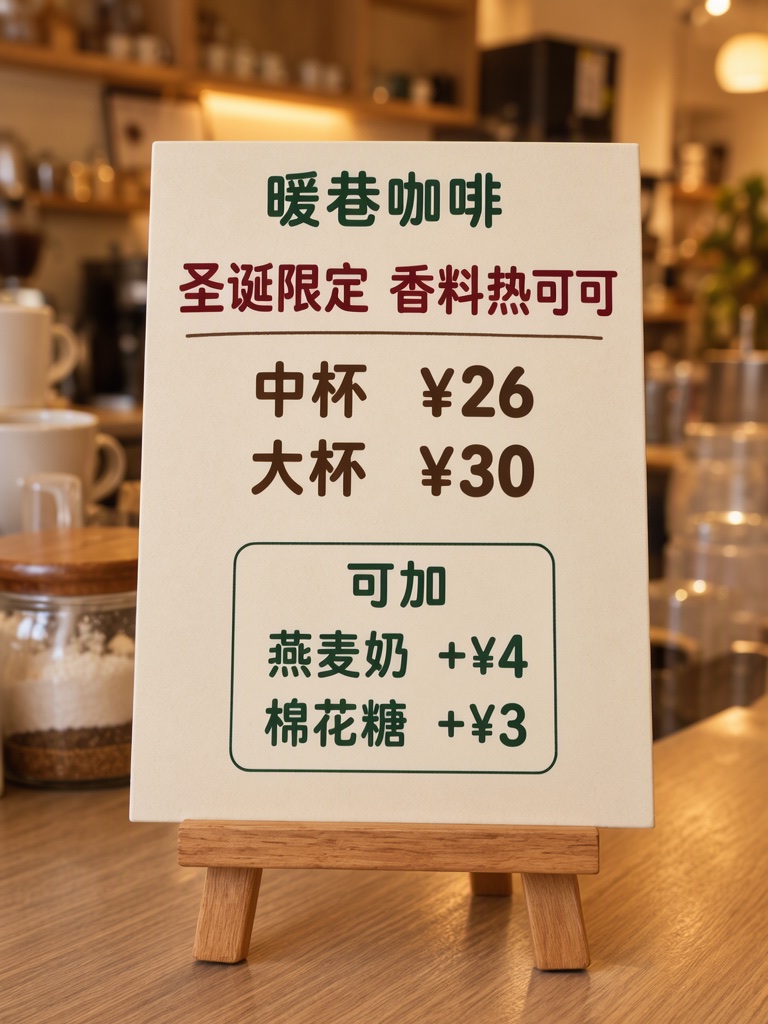
Photograph of a small easel board on a café counter, warm light, the board flat and sharp, cream card, dark red, dark brown and dark green type, the two add-on lines inside their own thin outlined box. The mugs and jars in view are plain with no writing. The printed piece holds only the quoted text, and nothing else in view carries any writing: no other signs, labels, stickers or notes. Text, render exactly and add nothing else: top line '暖巷咖啡'; title '圣诞限定 香料热可可'; size '中杯 ¥26'; size '大杯 ¥30'; add-ons heading '可加'; add-on '燕麦奶 +¥4'; add-on '棉花糖 +¥3'. Render quoted text verbatim; preserve capitalization, punctuation and line breaks; add no other text.
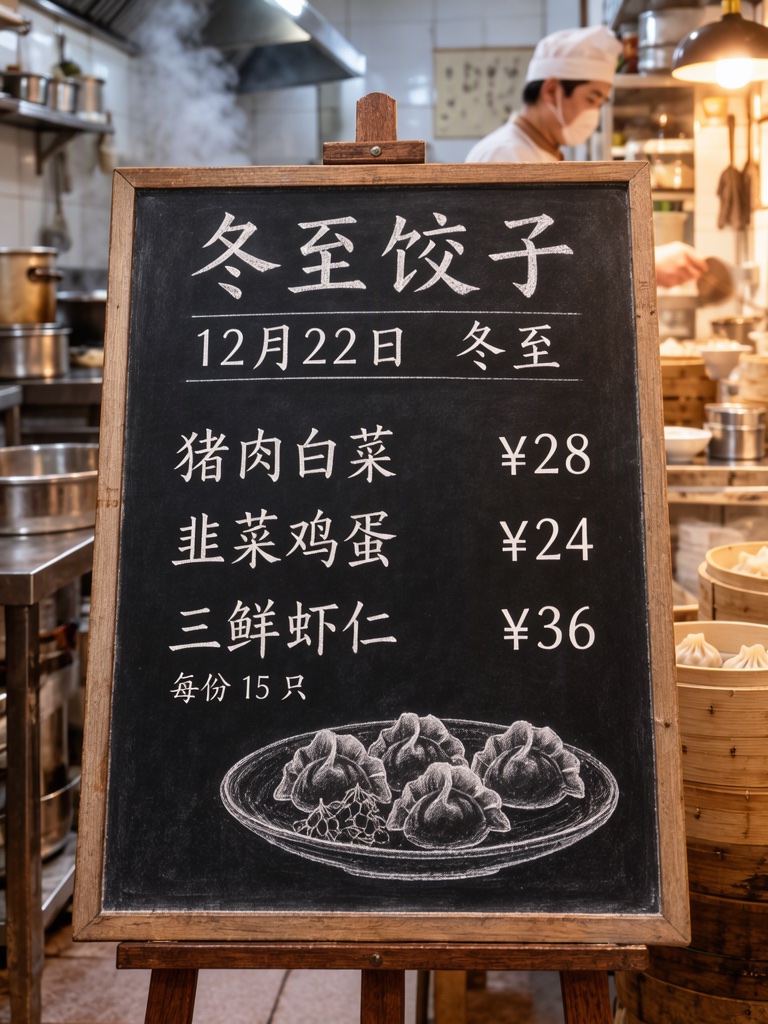
Photograph of a chalkboard menu propped on an easel inside a small dumpling shop, warm light, steam from a kitchen behind, board in sharp focus. Three menu rows with the flavour on the left and the price on the right, small dumpling drawing at the bottom. Text, render exactly and add nothing else: heading '冬至饺子'; line '12月22日 冬至'; rows '猪肉白菜 ¥28', '韭菜鸡蛋 ¥24', '三鲜虾仁 ¥36'; note '每份 15 只'. chalk on slate Render quoted text verbatim; preserve capitalization, punctuation and line breaks; add no other text.
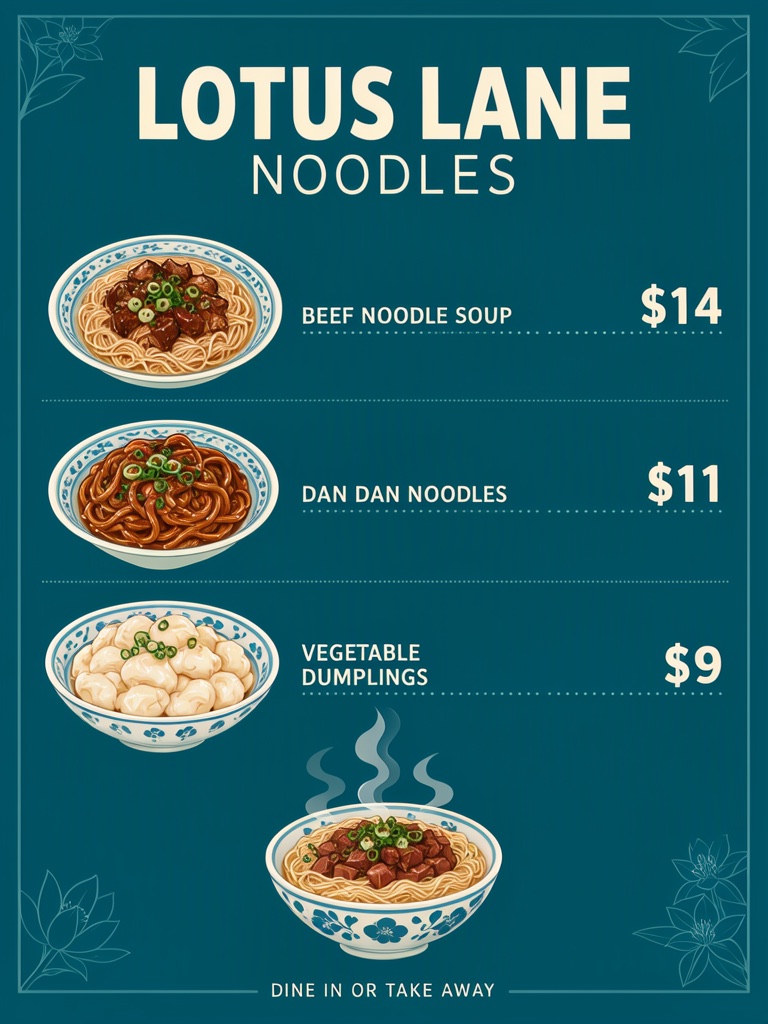
Noodle shop menu poster, flat design on deep teal, cream type, three dish rows each with its own price, thin dotted leaders between dish and price, a steaming noodle bowl illustration at the bottom. Text, render exactly and add nothing else: name 'LOTUS LANE NOODLES'; row 'BEEF NOODLE SOUP $14'; row 'DAN DAN NOODLES $11'; row 'VEGETABLE DUMPLINGS $9'; footer 'DINE IN OR TAKE AWAY'. Render quoted text verbatim; preserve capitalization, punctuation and line breaks; add no other text.
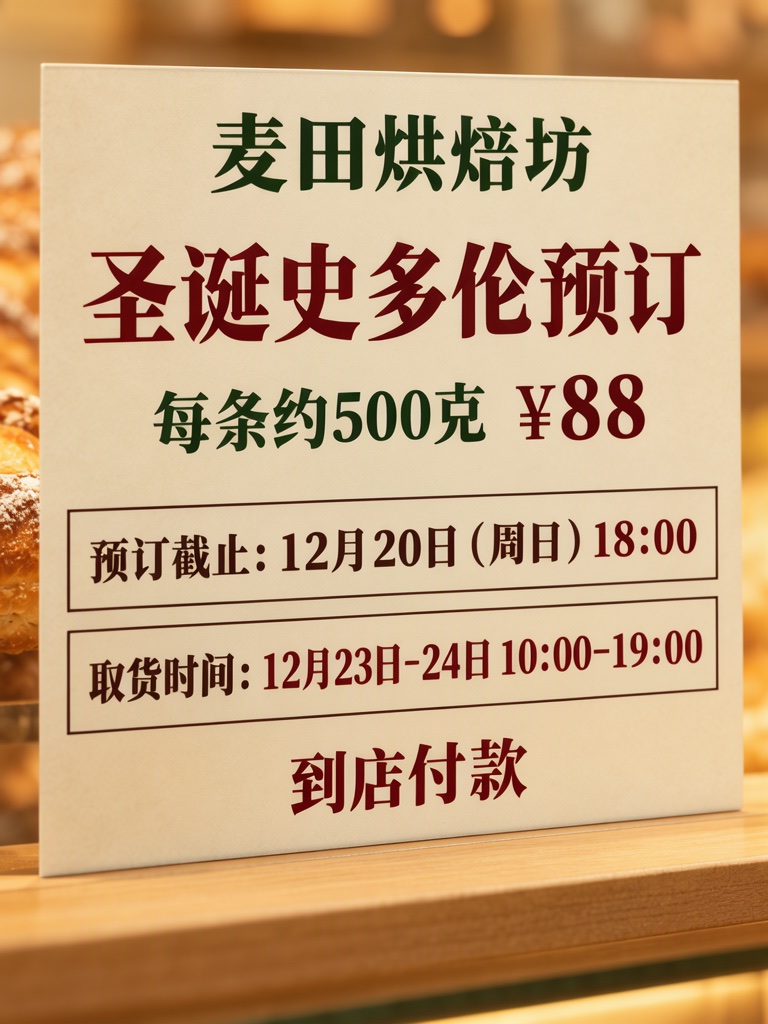
Close-up photograph of a printed poster on a bakery counter, warm light, the poster flat, sharp and filling almost the whole frame, only a thin strip of plain wooden counter and soft blurred warm light around its edges. Cream paper, dark red, dark green and dark brown type, the cutoff line and the pickup line each inside its own thin outlined box. The printed piece holds only the quoted text, and nothing else in view carries any writing: no other signs, labels, stickers or notes. Text, render exactly and add nothing else: top line '麦田烘焙坊'; title '圣诞史多伦预订'; line '每条约500克 ¥88'; cutoff box '预订截止:12月20日(周日)18:00'; pickup box '取货时间:12月23日-24日 10:00-19:00'; note '到店付款'. Render quoted text verbatim; preserve capitalization, punctuation and line breaks; add no other text.
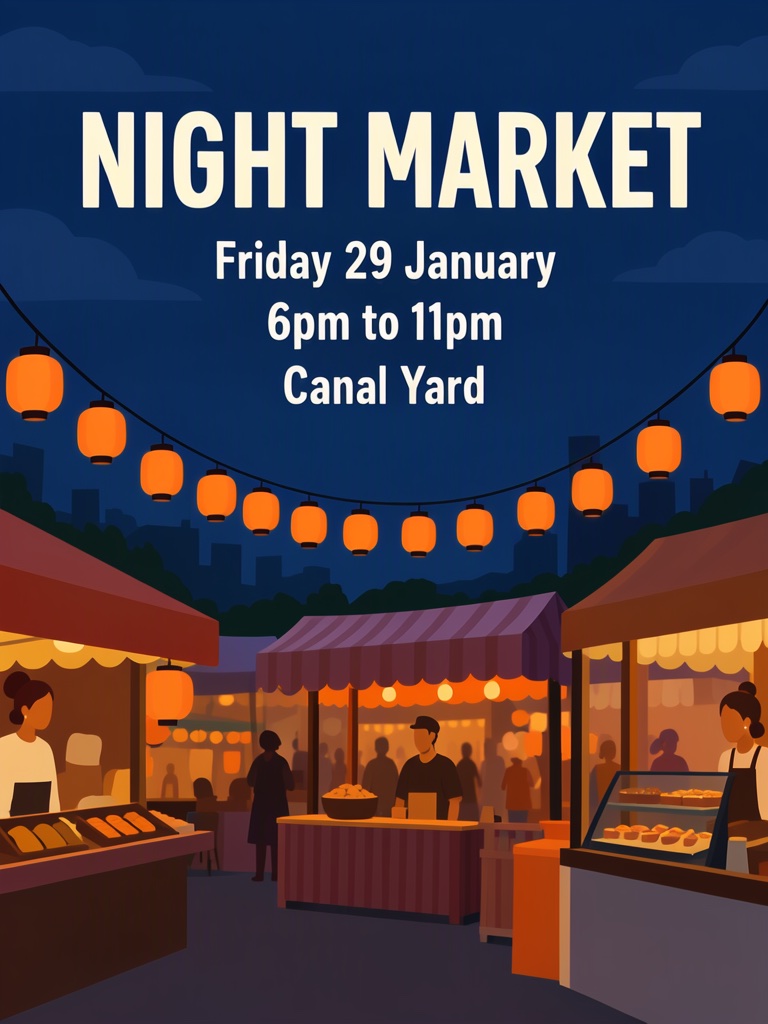
Poster for a night market. Style: flat vector illustration, deep blue night sky, warm orange lantern light, simple shapes, plenty of space around the words. A row of lanterns over a few food stalls in the lower half, the title large at the top, the details under it. The poster holds only the quoted text: no logo, no signature and no other words. Text, render exactly and add nothing else: headline 'NIGHT MARKET'; line 2 'Friday 29 January'; line 3 '6pm to 11pm'; line 4 'Canal Yard'. Render quoted text verbatim; preserve capitalization, punctuation and line breaks; add no other text.
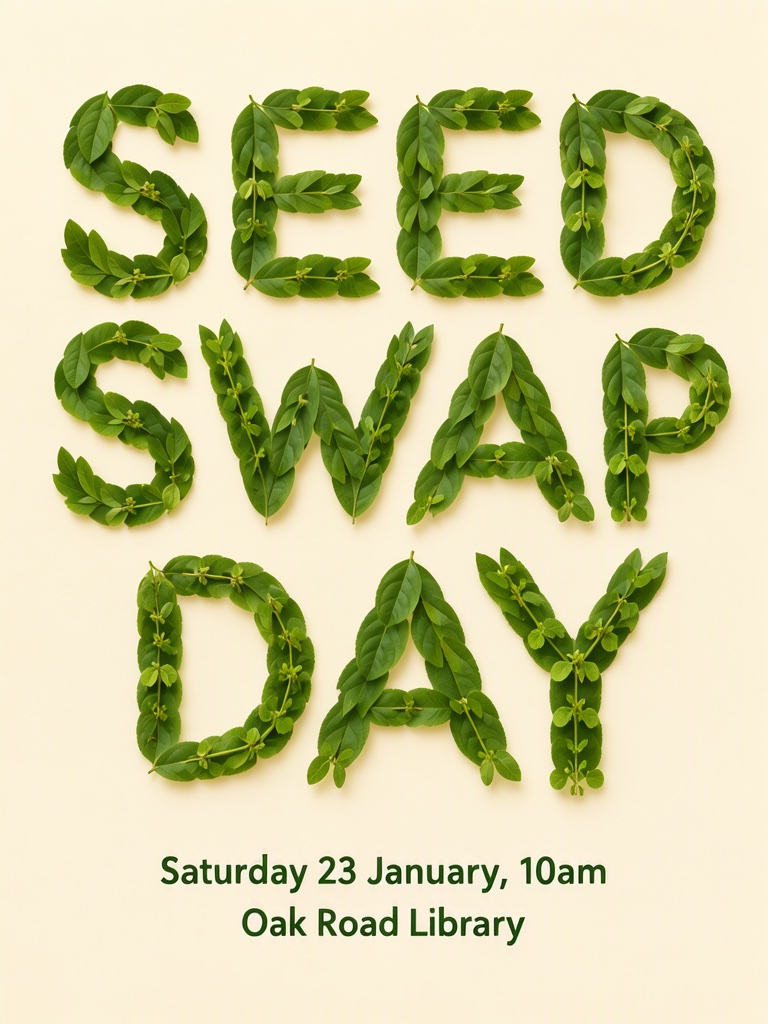
Poster on a pale cream background: the words SEED SWAP DAY spelled out in large capital letters over two lines, each letter made of real green leaves and small sprouts arranged on the paper, photographed from above; below it, the details in plain small dark green printed type, not made of leaves. The poster holds only the quoted text: no logo, no signature and no other words. Text, render exactly and add nothing else: words made of leaves 'SEED SWAP DAY'; date 'Saturday 23 January, 10am'; place 'Oak Road Library'. Render quoted text verbatim; preserve capitalization, punctuation and line breaks; add no other text.
请逐字呈现引号内的文字,保留大小写、标点与换行,不添加其他文字。
复刻 ComfyUI 示例
这四段描述来自 ComfyUI MOSS-Image 指南中的示例工作流。可以在工作室里直接运行,也可以下载原始工作流到自己的 ComfyUI 中运行。
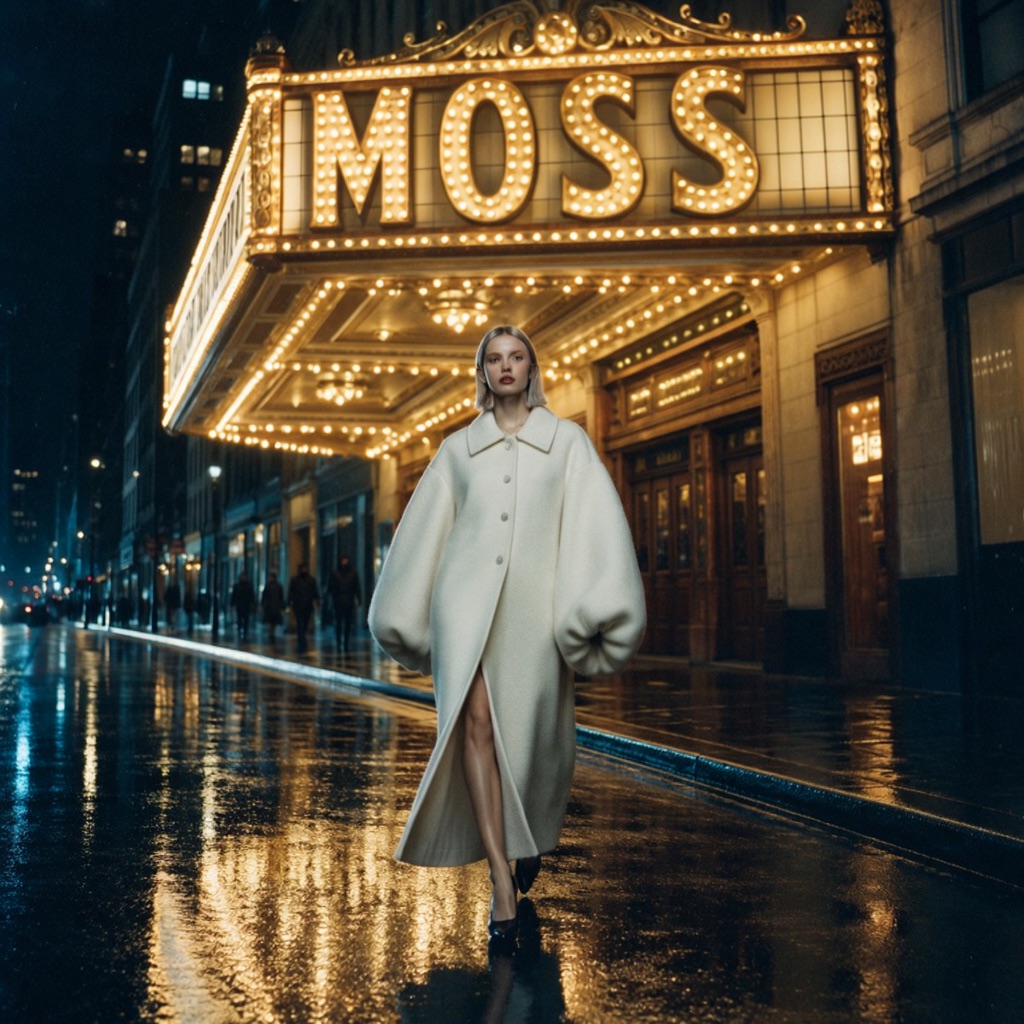
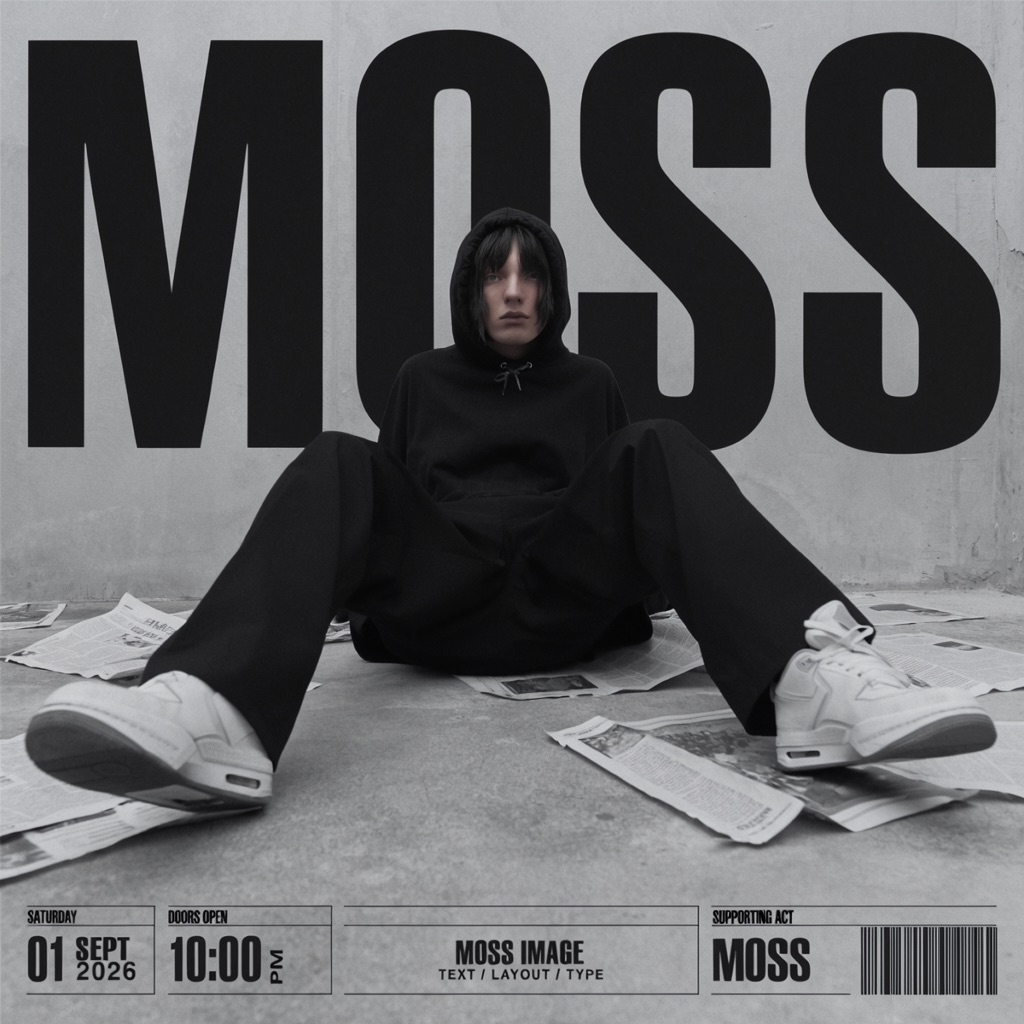
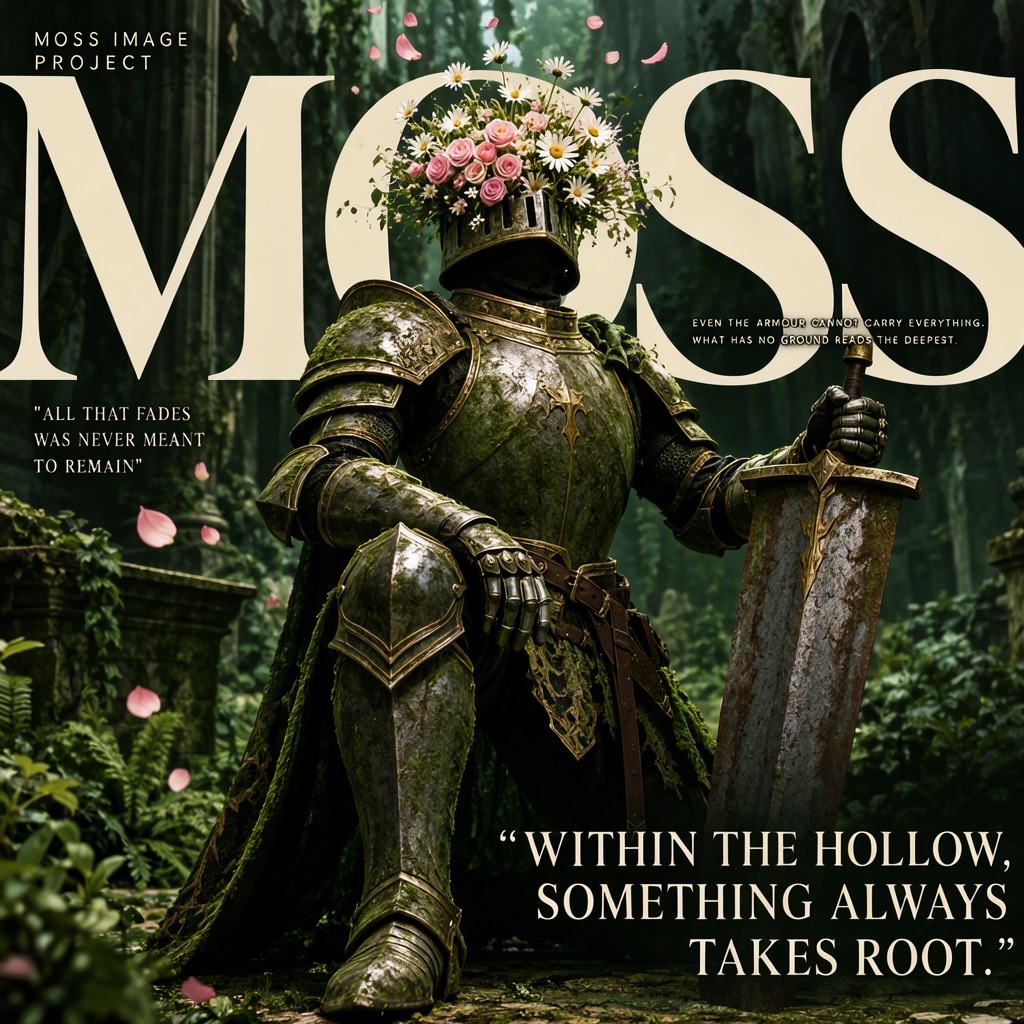
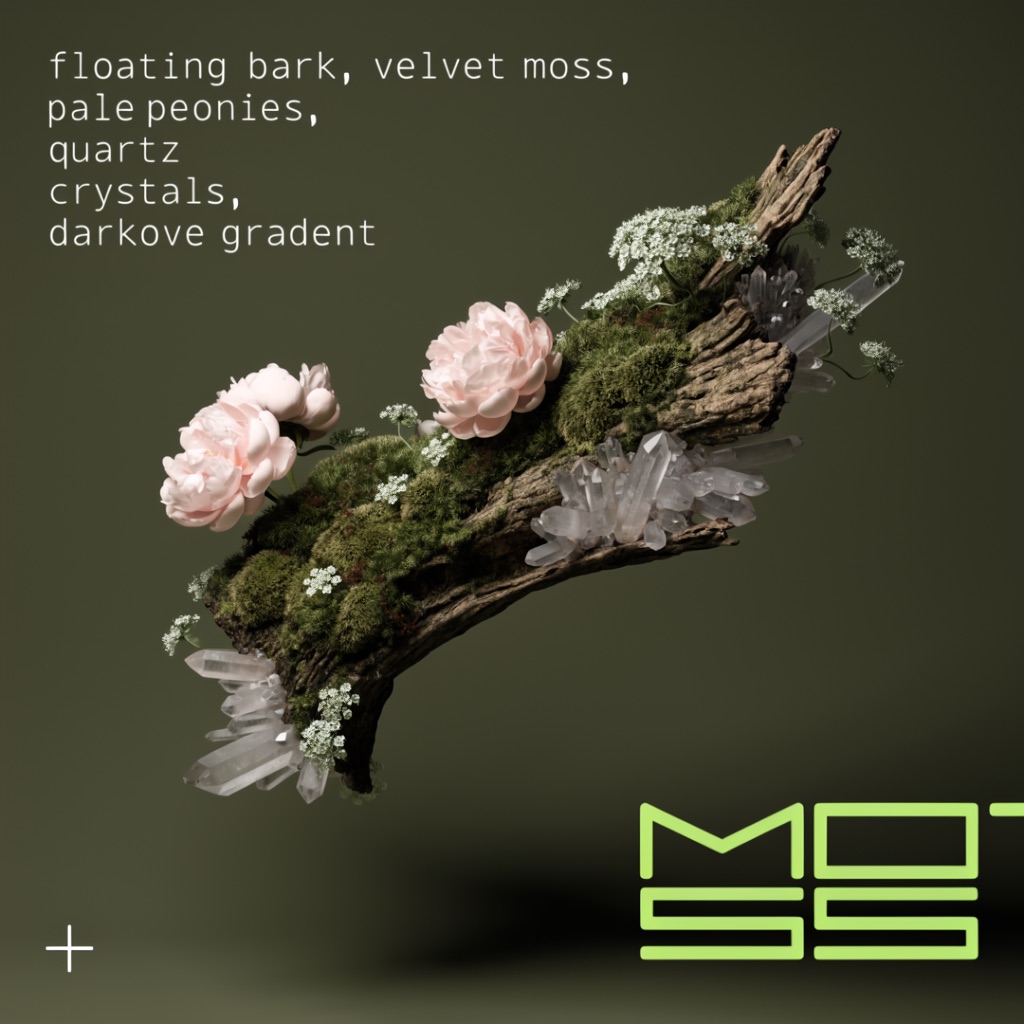
工作室只向在线 MOSS API 发送描述本身:不发送反向提示词、步数、引导强度或提示词扩写设置。描述相同,画面不会逐像素一致。工作流来自 Comfy-Org 模板(MIT 协议);本站与 Comfy-Org、OpenMOSS 无隶属关系。 来源:ComfyUI 官方文档
一次性图像积分包:$6 得 25、$18 得 100、$45 得 300 积分。无订阅,积分永不过期,任意积分包均可使用 2K 输出。
每张 $0.24
约 25 张图
每张 $0.18
约 100 张图
每张 $0.15
约 300 张图
新账号赠送 3 点图像积分。每张图消耗 1 点积分,生成失败会退回。一次性付款,以美元计价。
可以。本工作室在浏览器中运行,无需安装或配置。登录后写好提示词即可生成。这是一个独立服务,与 OpenMOSS 团队无隶属关系。
把每段文字放进引号,并说明位置,例如:标题:'MORNING CLUB'。再加一句要求模型逐字渲染引号内文字、不添加其他文字。结果通常会遵循,但使用前请核对拼写。
可以。MOSS-Image 能同时渲染中英文,例如在 'BLOOM BOOKS' 上方放 '花间书店'。请把每行文字分别引用并尽量简短。印地语等其他文字官方资料没有说明,不要指望它写对。较长段落更容易出错。
多数图像模型把文字当作图案来画,所以容易写错字或生造字。MOSS-Image 专门针对长文本和中文做了训练。把要出现的字放进引号,并让每行保持简短,效果最好。
不是。MOSS Image Studio 是独立服务,不隶属于 OpenMOSS。官方模型仓库是 github.com/OpenMOSS/MOSS-Image。
它是一组方框的列表,每个方框包含类型(文字或物体)、描述、文字框要渲染的原文,以及在画布上的位置。在布局编辑器里画框时会自动生成,可以在 JSON 标签页一键复制。
长段落、极小字号和复杂背景下仍可能出错,使用前请逐张检查。输出最高 2K(16:9 为 1920 × 1088,方图为 1440 × 1440)。不支持上传图片进行编辑。
不会。积分包是一次性购买,没有订阅,购买的积分永不过期。生成失败会退回积分。
创作指南
关于文字提示与画面布局的实用指南。
把脑海中的画面,做出来
从一句标题开始,留一点空间,看看它会成为怎样的画面。