Give every word a place.
Quote the headline, separate the details, and tell the model which line should lead. Always proofread the result before publishing.
 Generated by MOSS-Image
Made for words and images
A menu needs its prices. A poster needs its date. Start with what matters, then describe the feeling around it.
Learn how layout JSON worksQuote the headline, separate the details, and tell the model which line should lead. Always proofread the result before publishing.
Place text and artwork in separate boxes, then turn your sketch into a layout prompt. Boxes guide the model; they do not guarantee exact placement.
Describe the paper, palette, hierarchy, subject, and spacing together. Keep each instruction consistent so the model has one clear design to follow.
Switch the generator to Layout Builder and draw a box for each headline, date or illustration. The builder writes the MOSS-Image JSON layout for you, and boxes keep their relative position when you change the aspect ratio.
The prompt collection
Five briefs to borrow, change, and make your own. Each image below was generated by MOSS-Image (SFT) from the exact prompt shown.
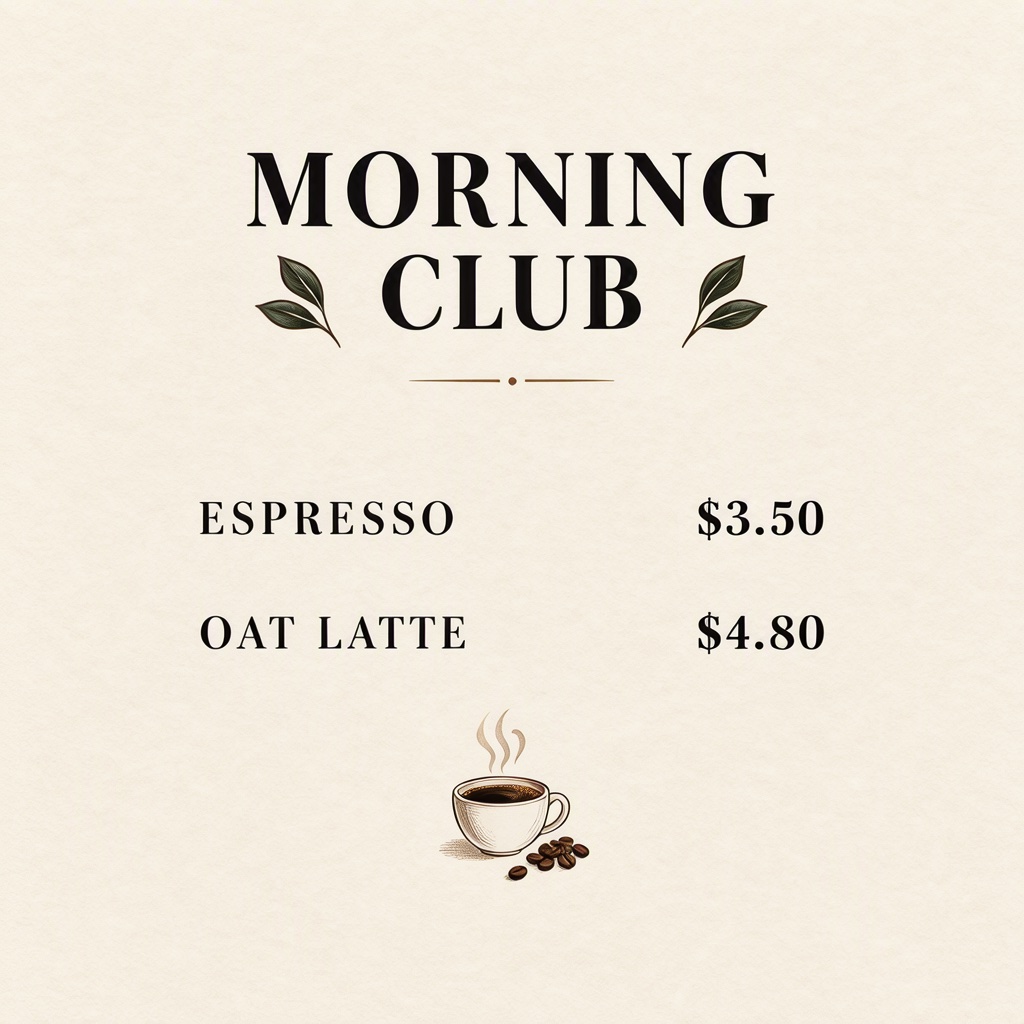
Square café menu, cream paper and black serif lettering. Heading: 'MORNING CLUB'. Two separate rows: 'ESPRESSO $3.50' and 'OAT LATTE $4.80'. Small coffee illustration below.
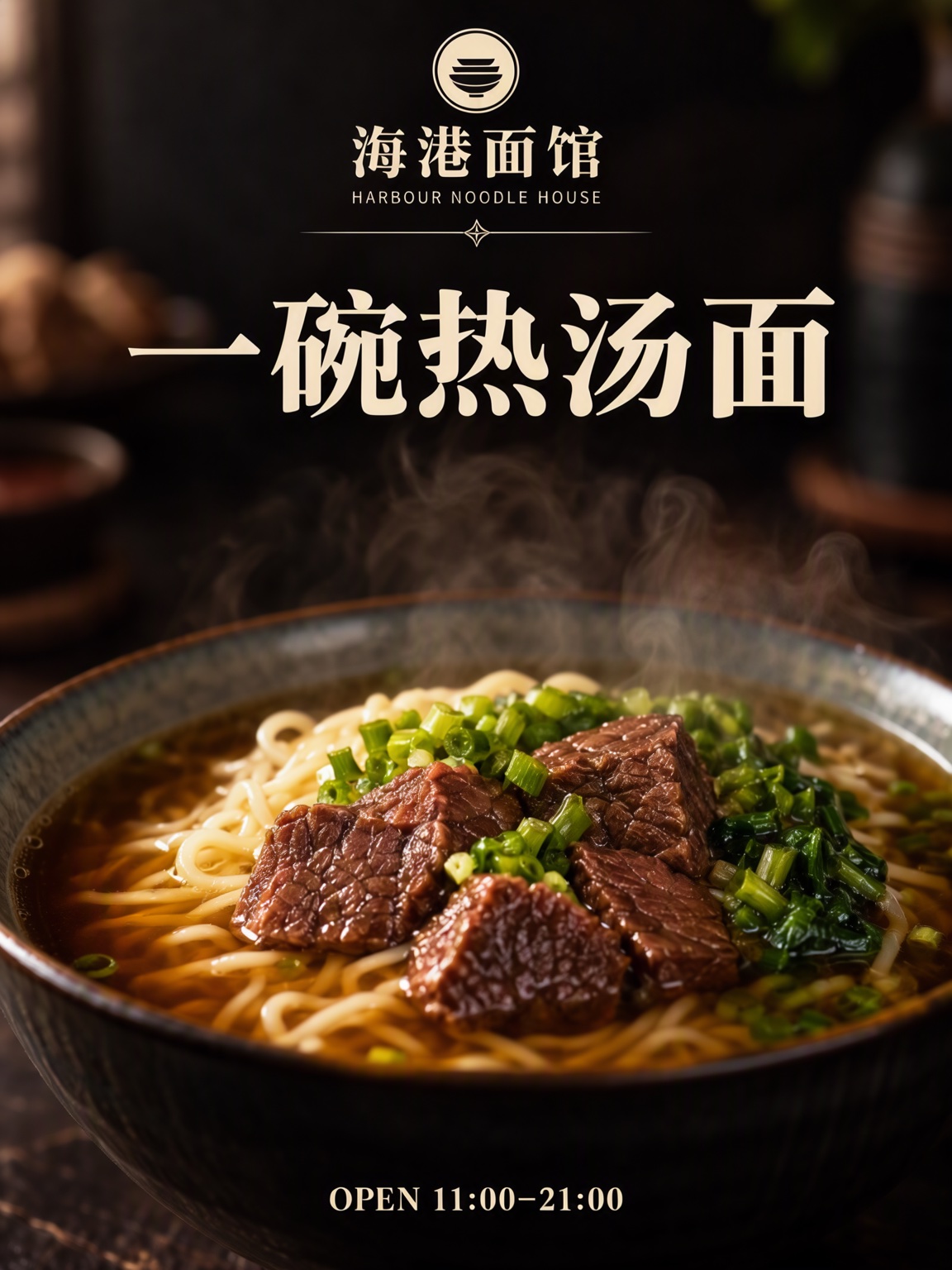
Premium vertical food poster for a fictional noodle restaurant, dark moody food photography. Small round logo at the top centre, restaurant name below, a thin decorative line, then a large headline; a steaming bowl of beef noodle soup in close-up in the lower half. Text, render exactly and add nothing else: restaurant name '海港面馆'; small English line 'HARBOUR NOODLE HOUSE'; headline '一碗热汤面'; footer 'OPEN 11:00–21:00'.
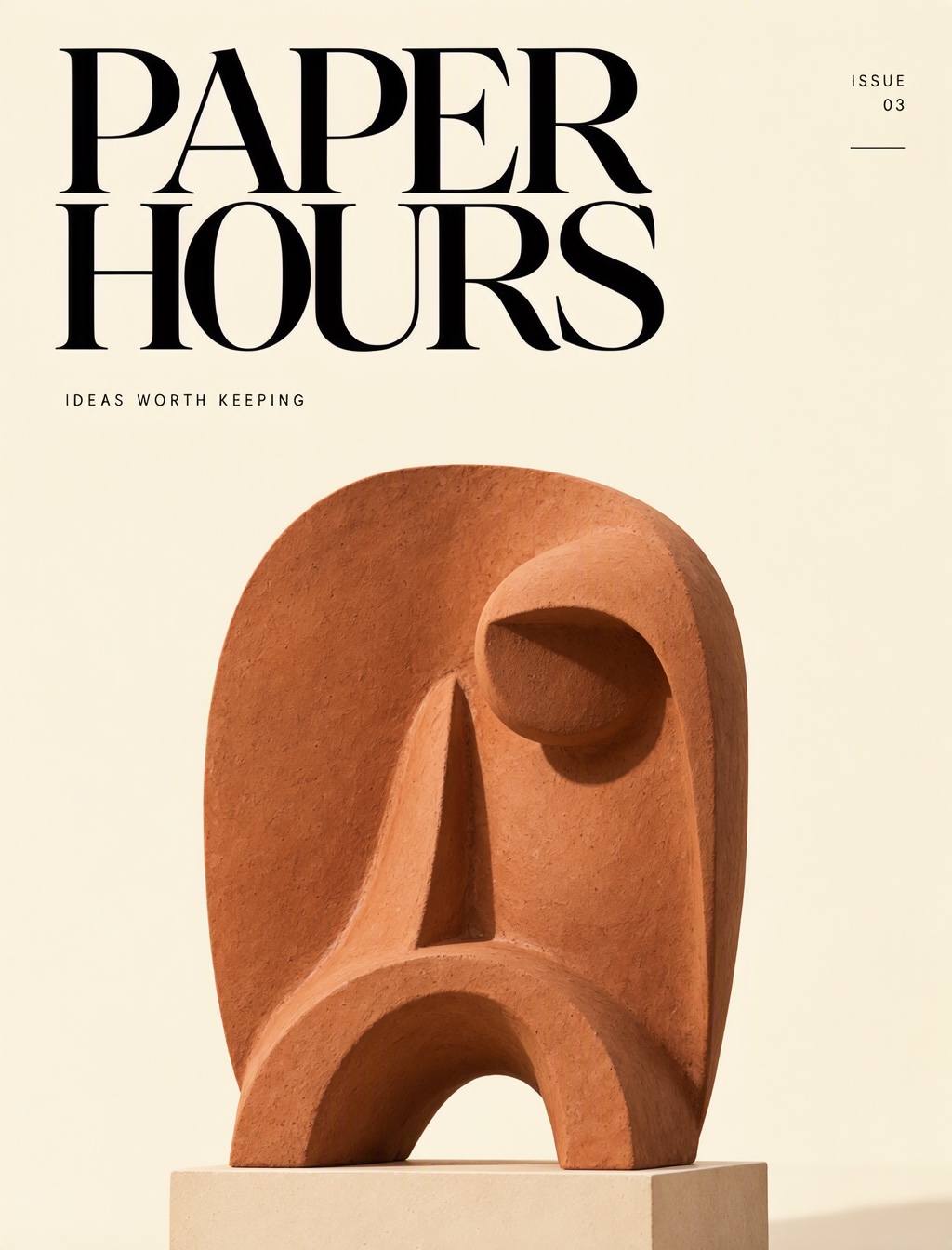
Editorial magazine cover, cream background, oversized black type. Masthead: 'PAPER HOURS'. Upper-right label: 'ISSUE 03'. Subtitle: 'IDEAS WORTH KEEPING'. Abstract terracotta sculpture beneath.
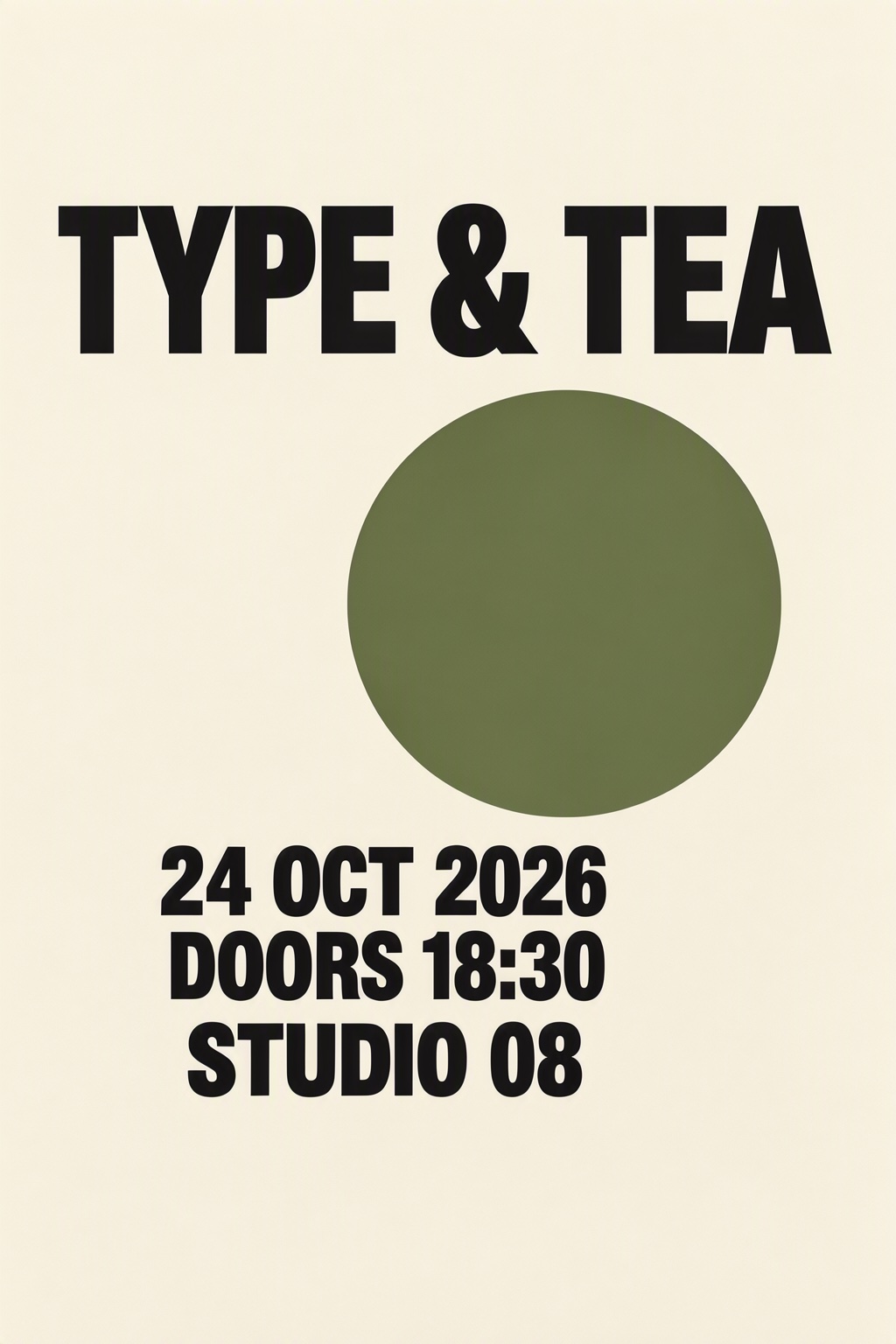
Portrait exhibition poster, cream and black with one moss-green circle. Headline: 'TYPE & TEA'. Separate lines below: '24 OCT 2026', 'DOORS 18:30', 'STUDIO 08'. Strong hierarchy.
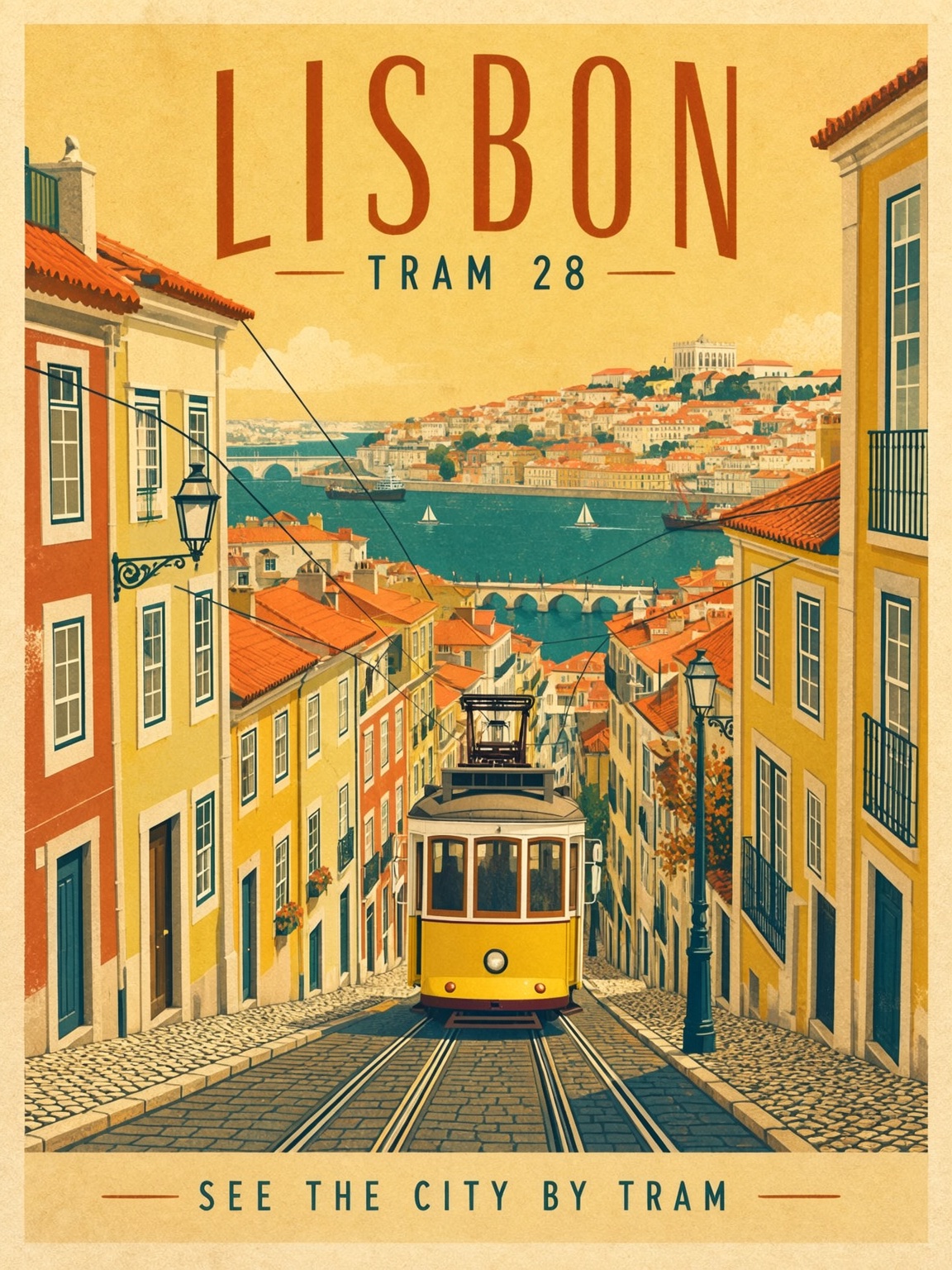
Vintage-style city travel poster, flat illustration on textured paper, limited palette of warm yellow, teal and terracotta. A yellow tram climbing a steep cobbled street, tiled rooftops and a river behind it. Text, render exactly and add nothing else: title 'LISBON'; subtitle 'TRAM 28'; bottom caption 'SEE THE CITY BY TRAM'.
Render quoted text verbatim; preserve capitalization, punctuation and line breaks; add no other text.
ComfyUI demos, reproduced
These four briefs come from the example workflows in the ComfyUI guide for MOSS-Image. Open one in the Studio to run it here, or download the original workflow to run it in your own ComfyUI.
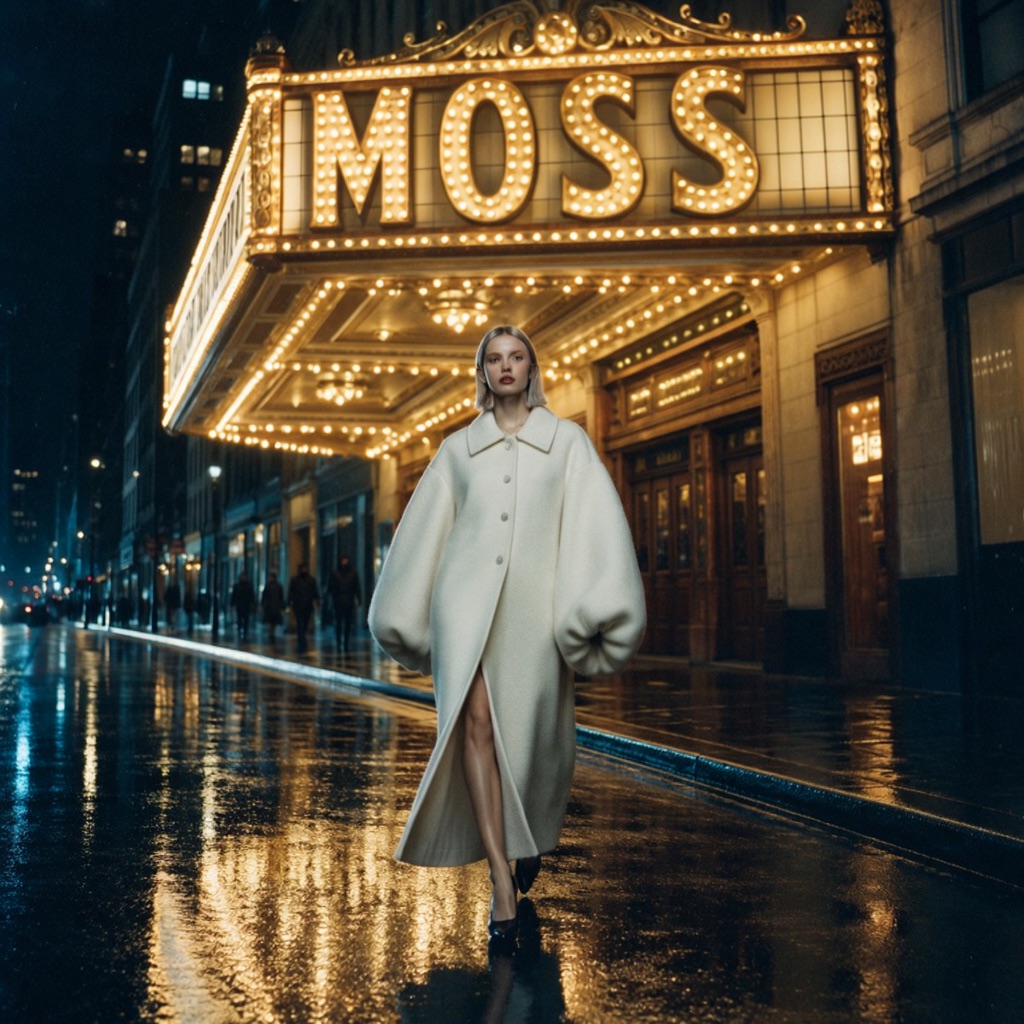
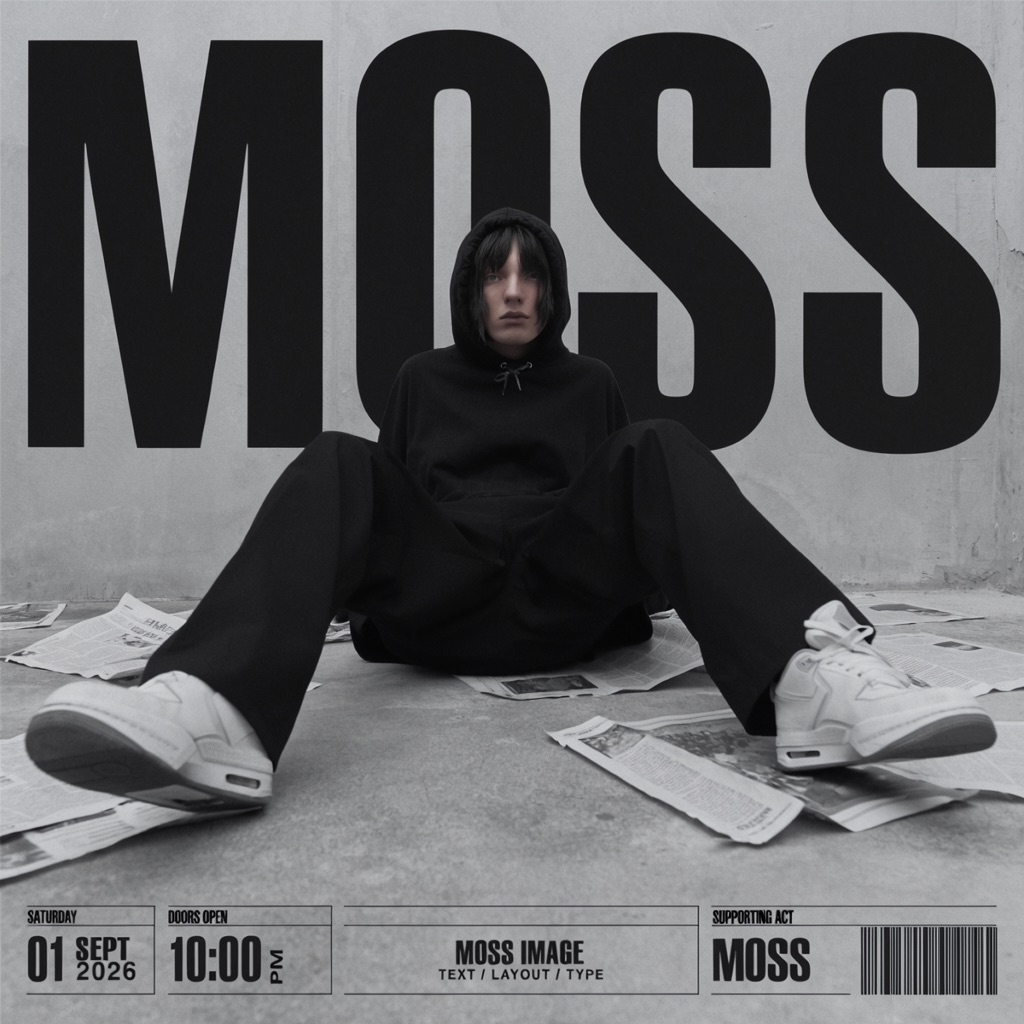
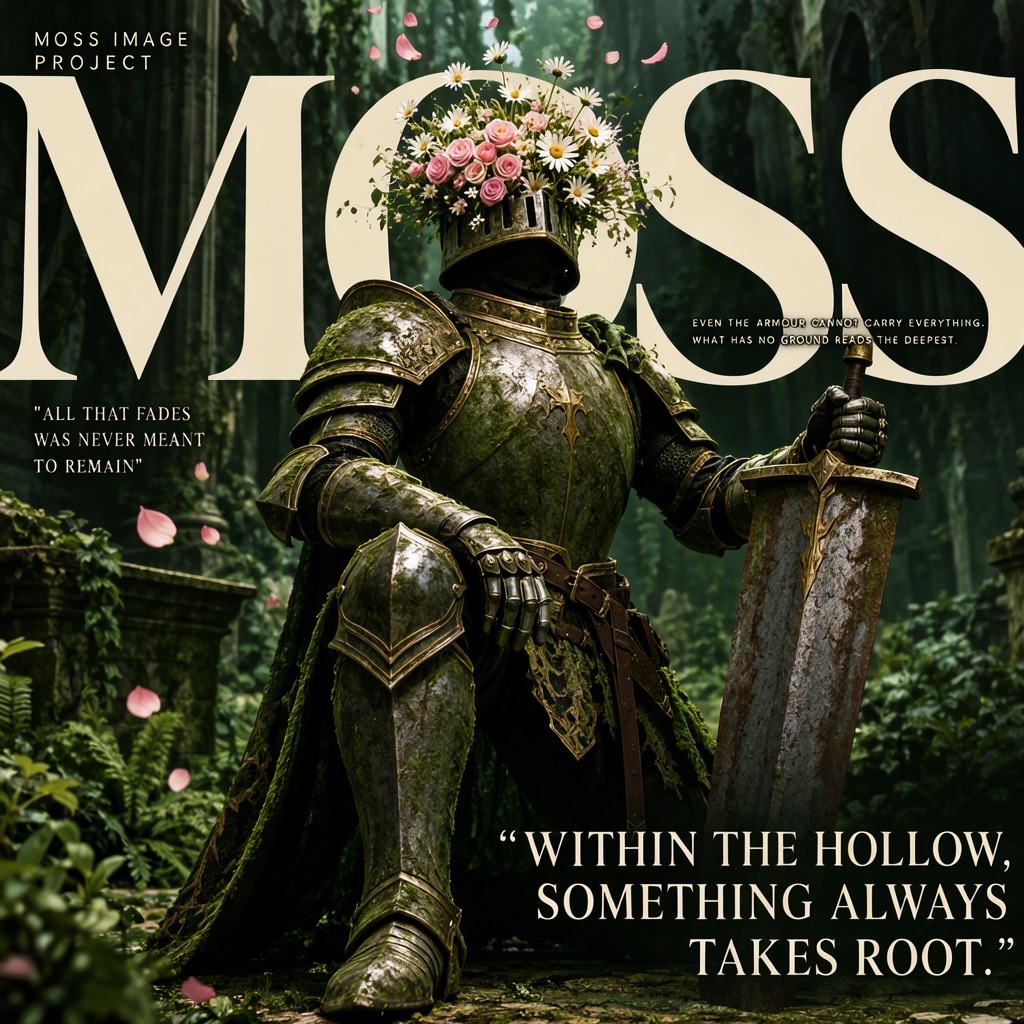
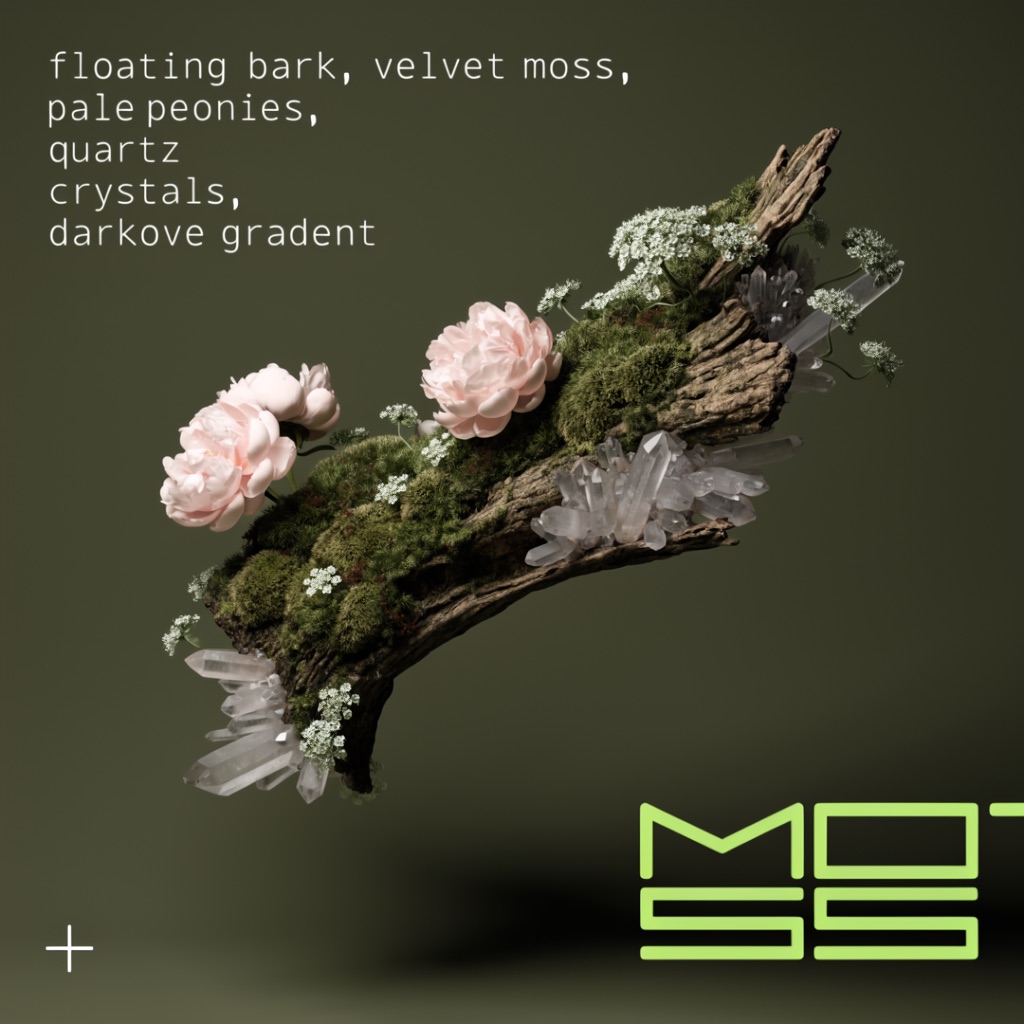
The Studio sends the hosted MOSS API the brief only: no negative prompt, step count, guidance or prompt-upsampler setting. Expect the same brief, not the same pixels. Workflows are Comfy-Org templates (MIT); this site is not affiliated with Comfy-Org or OpenMOSS. Source: ComfyUI documentation
One-time image credit packs: $6 for 25, $18 for 100, $45 for 300. No subscription, credits never expire, and every pack unlocks 2K output.
$0.24 per image
≈ 25 images
$0.18 per image
≈ 100 images
$0.15 per image
≈ 300 images
New accounts start with 3 free image credits. Each image uses 1 credit, and failed generations are refunded. One-time payment in USD.
Yes. This studio runs in your browser, so there is nothing to install or configure. Sign in, write a prompt and generate. It is an independent service and is not affiliated with the OpenMOSS team.
Put each piece of text in quotes and say where it belongs, for example: Heading: 'MORNING CLUB'. Add a line asking the model to render quoted text verbatim and add no other text. Results usually follow, but check spelling before you use an image.
Yes. MOSS-Image can render Chinese and English together, such as '花间书店' above 'BLOOM BOOKS'. Quote each line separately and keep it short. Longer passages are more likely to contain mistakes.
Most image models draw letters as shapes, so words come out misspelled or invented. MOSS-Image was trained on long and Chinese text. Write the words in quotes and keep each line short for the best results.
No. MOSS Image Studio is an independent service and is not affiliated with OpenMOSS. The official model repository is github.com/OpenMOSS/MOSS-Image.
It is a list of boxes, each with a label (text or object), a description, the exact text for text boxes, and its position on the canvas. The Layout Builder writes it for you when you draw boxes, and you can copy it from the JSON tab.
Long paragraphs, very small type and busy backgrounds can still produce mistakes, so check every image before you use it. Output goes up to 2K (1920 × 1088 for 16:9, 1440 × 1440 for square). Uploading an image to edit is not supported.
No. Credit packs are one-time purchases with no subscription, and purchased credits never expire. A generation that fails returns its credit.
Journal
Practical notes on writing the words and arranging the page.
See how we recreated a bakery best-seller poster in MOSS, with three ranked products, close-up photos, clear price boxes, and sample figures to replace.
Read the guide ↗Nov 5, 2026Explore three Black Friday poster ideas with readable offer terms, exact prompts and real retries for invented labels, lost spaces and background text.
Read the guide ↗Make something worth looking at
Start with a headline. Give it a little space. See where it takes you.