MossInfer: Run MOSS-Image Without Python, Three Tiers
MossInfer runs MOSS-Image without Python at runtime. Learn its tiers, memory handling, platform limits and the caveat behind the author's RTX 5090 claim.
MossInfer, also called mossimage.cpp, is a community C++/CUDA inference engine for MOSS-Image. Its README says it runs without PyTorch or Python at runtime, plans memory for the GPU it finds, and streams the model if it does not fit. It also offers three quality tiers. The project is aimed at people who want to run the model locally; a hosted studio remains the no-local-runtime option.
TL;DR
- MossInfer v2.2.1 is a community engine; its author opened a docs issue proposing it be listed among MOSS-Image community projects.
- The README describes
referenceas bf16 exact,highas 8-bit attention, andturboas a 4-bit DiT. - Its everyday-use recommendation and RTX 5090 speed/VRAM figures are the README author's claims, with different prompt lengths across the compared pipelines.
- The README lists Linux x86-64 and Windows x64, plus separate ROCm and Vulkan programs and GPU-specific build caveats.
What is MossInfer?
MossInfer is a native C++/CUDA inference engine for the MOSS-Image text-to-image model. The repository describes a 5B DiT, Qwen3.5 text encoder and FLUX.2 VAE, and says there is no PyTorch or Python at runtime. It plans memory against the GPU it finds and streams the model when the model does not fit. Those are the README's descriptions of the runtime; they are not a measured comparison with another way of running MOSS-Image.
The project is a community contribution. xycld opened issue #32 on November 2, 2026, proposing that the project be added to the MOSS-Image community-project documentation. Its README gives version 2.2.1. That context matters because installation choices, performance expectations and hardware support belong to the MossInfer repository, not to a hosted studio or to an OpenMOSS release announcement.
What do the three quality tiers mean?
| Tier | README description | Practical distinction |
|---|---|---|
reference |
bf16, exact | The reference precision path named by the project. |
high |
8-bit attention | The loaded DiT's GEMMs use the tier's 8-bit attention path. |
turbo |
4-bit DiT | The DiT uses a 4-bit configuration. |
The README recommends an INT8 DiT with high for everyday use. Its wording is: “An INT8 DiT with high is the everyday choice: 2.5 times the bf16 speed on an RTX 5090, in 40 % less VRAM”. Those are the README author's figures, not results we measured. The README discloses that its own engine figure uses a 4096-token prompt, while the official pipeline uses a 282-token prompt. Because prompt lengths differ, do not treat that sentence as a controlled comparison or predict the same speed or memory result on another GPU or workload.
The tier names describe different precision choices; the text does not establish what a particular poster will look like or what quality trade-off a given user will see. Pick based on the runtime path you intend to use, then inspect the output for the actual text and composition you need.
Which platforms and GPUs does the README list?
The primary targets are Linux x86-64 and Windows x64, with CUDA 12 and CUDA 13 builds. The README calls out separate cases: Turing (sm_75) needs its own build preset, while Volta (sm_70) uses the CUDA 12 preset. AMD support is through a separate ROCm program named moss-infer-hip; the listed targets are gfx1100, gfx1200 and gfx1201, with validation on gfx1200. Other GPUs use a separate Vulkan program, moss-infer-vulkan, which the README describes as slower.
That is not a claim that every GPU on those platforms has the same experience. The repository also says it identifies a model from its configs and safetensors headers and refuses anything else with a message naming what it found. Before choosing this route, match your operating system, GPU architecture and model files to the project's own support notes rather than assuming a generic C++ build covers them all.
When does a hosted studio make more sense?
If the priority is making an image without setting up a local inference runtime, the hosted AI poster generator is the simpler category of workflow: write a brief and generate in the browser. MossInfer is the local-runtime option for someone who already has an RTX 30-series-or-newer GPU and wants to run MOSS-Image on that machine. These are different workflow boundaries, not a speed, VRAM or image-quality comparison.
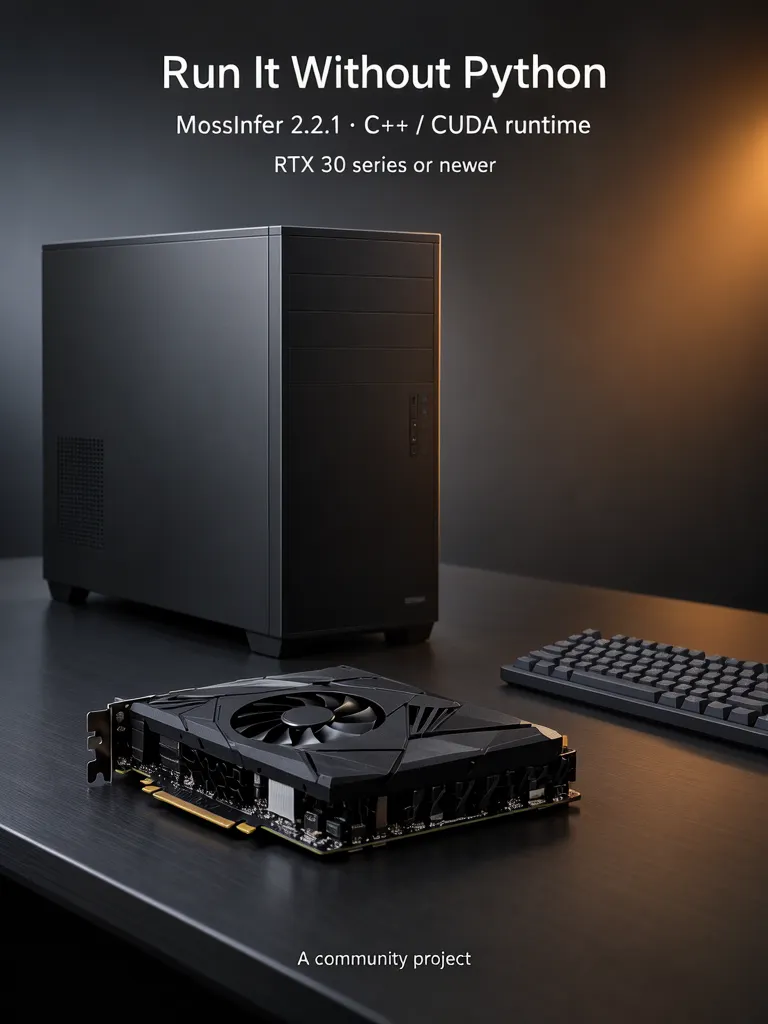
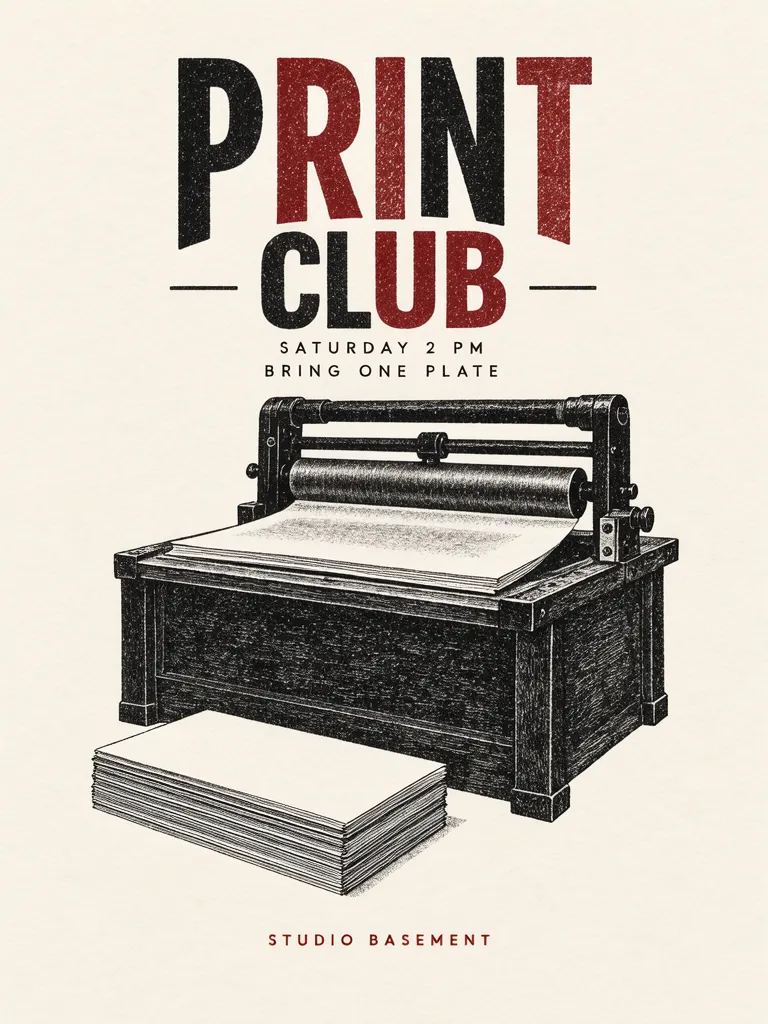
The earlier PRINT CLUB poster is reused here as an example of what the hosted studio produces without a local runtime. The graphite hardware still life and both posters' copy—including the PRINT CLUB time, instruction and venue—are made-up details, not a benchmark result.
Make one like this Open this image on MOSS Image
Prompt mode, exact prompt:
A vertical composition in graphite, cool grey and one warm amber light: a plain desktop tower with a visible unmarked graphics card on a dark studio desk beside a simple keyboard, every surface free of logos and text, deep shadows and broad empty margins, and no screen showing lettering, no packaging, labels or seals anywhere in the frame. Copy: headline 'Run It Without Python'; line 'MossInfer 2.2.1 · C++ / CUDA runtime'; line 'RTX 30 series or newer'; footer 'A community project'.
The earlier PRINT CLUB poster has a different subject, but it shows the hosted studio side of the choice: a letterpress-style still life with a short event title, time, instruction and footer. Its wording is “PRINT CLUB,” “SATURDAY 2 PM,” “BRING ONE PLATE,” and “STUDIO BASEMENT.” It is not a local MossInfer output or a comparison image.
Make one like this Open this image on MOSS Image
Prompt mode, exact prompt:
Letterpress print club poster, warm off-white paper, two-colour ink in brick red and ink black, a printing press roller and stacked paper edges shown as a flat still life, generous margin around the type. Set these words verbatim: headline 'PRINT CLUB'; line 'SATURDAY 2 PM'; line 'BRING ONE PLATE'; footer 'STUDIO BASEMENT'.
The images are examples of two different ways to access the model: a hosted studio poster and a local engine's own illustrative hardware poster. Neither image measures latency, memory use or output quality. The README's figures should remain attached to its stated hardware and prompt-length caveat, rather than becoming a general promise.
How do you choose a runtime path?
- Decide whether you want a hosted browser workflow or to manage a local runtime. The AI poster generator is the hosted option; MossInfer's README describes the local engine.
- If you plan to run it locally, check that your operating system and GPU are among the README's listed targets. Pay attention to the Turing preset and the separate ROCm and Vulkan programs.
- Choose
reference,highorturboby the precision path described in the README. Keep its RTX 5090 claim attached to the prompt-length difference it discloses. - Compare the generated image with your actual copy and layout needs. The exact-text guide covers character-by-character proofreading; the Layout Builder is the hosted tool for box-based text placement.
MOSS Image Studio is an independent hosted studio for the open MOSS-Image model. Not affiliated with OpenMOSS.
Limitations
MossInfer's speed and memory sentence is its README author's claim for an RTX 5090, with a 4096-token prompt for the engine and a 282-token prompt for the official pipeline. It is not a benchmark we ran, and the README's figures do not establish results for other hardware or prompt lengths. Platform support has build-specific caveats, and the README calls its Vulkan program slower. The reused poster is a hosted-studio example, not a local-runtime test.
FAQ
Can MossInfer run MOSS-Image without Python?
The project README describes it as a native C++/CUDA inference engine with no PyTorch or Python at runtime. It also says it plans memory for the detected GPU and streams the model if it does not fit.
What does MossInfer's turbo tier mean?
The README describes turbo as a 4-bit DiT. Its other named tiers are reference (bf16, exact) and high (8-bit attention). These are the project's tier descriptions, not a promise about a particular output.
Is MossInfer faster than the hosted studio?
The available README claim is for an RTX 5090 and compares prompt lengths of 4096 tokens and 282 tokens across its engine and the official pipeline. It is not a comparison with this studio, and it does not support a general speed ranking.
Sources
- MossInfer / mossimage.cpp community repository (Checked on 2026-11-12).
- OpenMOSS issue #32: “docs: add mossimage.cpp to community projects” (Checked on 2026-11-12).
Try it with your own words
Open the Studio, write a brief or lay out boxes on the canvas, and generate with MOSS-Image.