Give every word a place.
Quote the headline, separate the details, and tell the model which line should lead. Always proofread the result before publishing.
Write a prompt, quote any text you need, and press Generate.
The model
The generator above is the open MOSS-Image weights, hosted. Open the MOSS-Image generator to run it on its own, or read how Base and SFT differ before you pick one.
Made for words and images
A menu needs its prices. A poster needs its date. Start with what matters, then describe the feeling around it.
Learn how layout JSON worksQuote the headline, separate the details, and tell the model which line should lead. Always proofread the result before publishing.
Place text and artwork in separate boxes, then turn your sketch into a layout prompt. Boxes guide the model; they do not guarantee exact placement.
Describe the paper, palette, hierarchy, subject, and spacing together. Keep each instruction consistent so the model has one clear design to follow.
Switch the generator to Layout Builder and draw a box for each headline, date or illustration. The builder writes the MOSS-Image JSON layout for you, and boxes keep their relative position when you change the aspect ratio.
This page draws the boxes. For a finished poster or flyer, start from the page built for it: Movie posters · ai flyer generator
The prompt collection
Six briefs to borrow, change, and make your own. Each image below was generated by MOSS-Image (SFT) in this studio from the exact prompt shown.
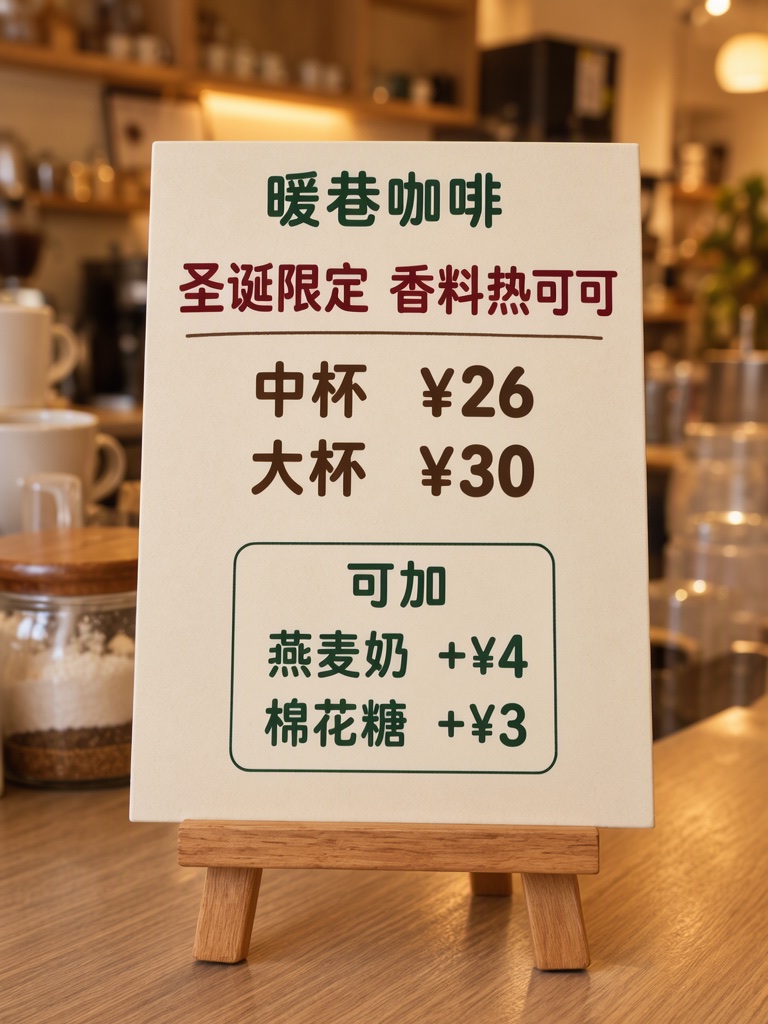
Photograph of a small easel board on a café counter, warm light, the board flat and sharp, cream card, dark red, dark brown and dark green type, the two add-on lines inside their own thin outlined box. The mugs and jars in view are plain with no writing. The printed piece holds only the quoted text, and nothing else in view carries any writing: no other signs, labels, stickers or notes. Text, render exactly and add nothing else: top line '暖巷咖啡'; title '圣诞限定 香料热可可'; size '中杯 ¥26'; size '大杯 ¥30'; add-ons heading '可加'; add-on '燕麦奶 +¥4'; add-on '棉花糖 +¥3'. Render quoted text verbatim; preserve capitalization, punctuation and line breaks; add no other text.
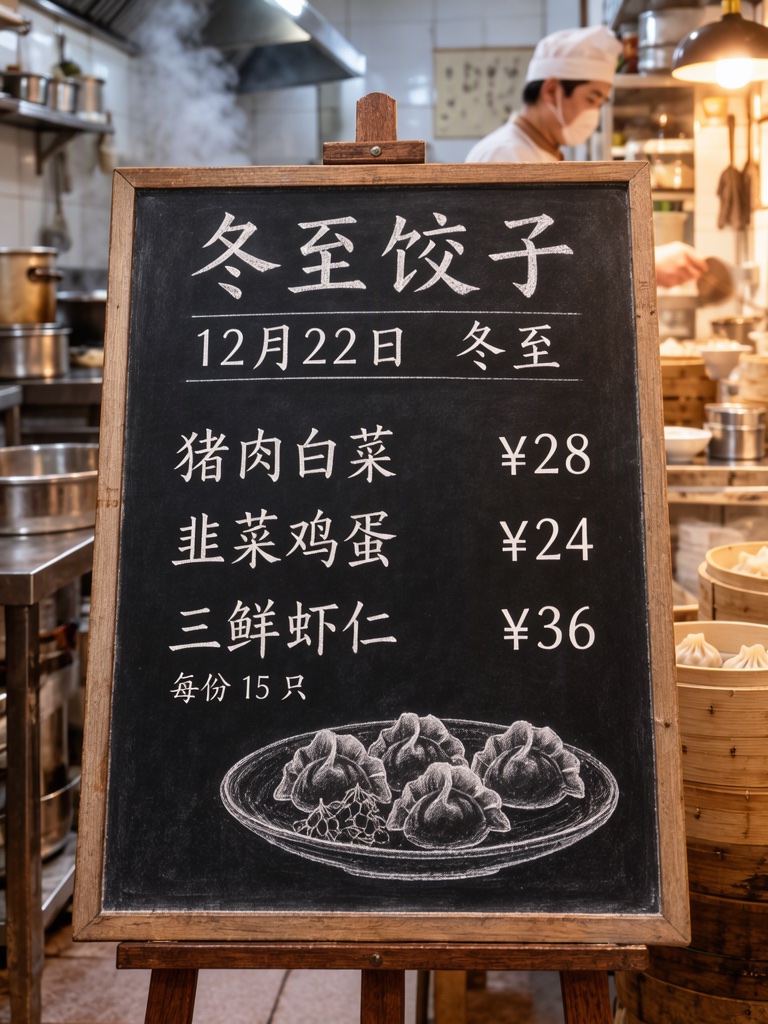
Photograph of a chalkboard menu propped on an easel inside a small dumpling shop, warm light, steam from a kitchen behind, board in sharp focus. Three menu rows with the flavour on the left and the price on the right, small dumpling drawing at the bottom. Text, render exactly and add nothing else: heading '冬至饺子'; line '12月22日 冬至'; rows '猪肉白菜 ¥28', '韭菜鸡蛋 ¥24', '三鲜虾仁 ¥36'; note '每份 15 只'. chalk on slate Render quoted text verbatim; preserve capitalization, punctuation and line breaks; add no other text.
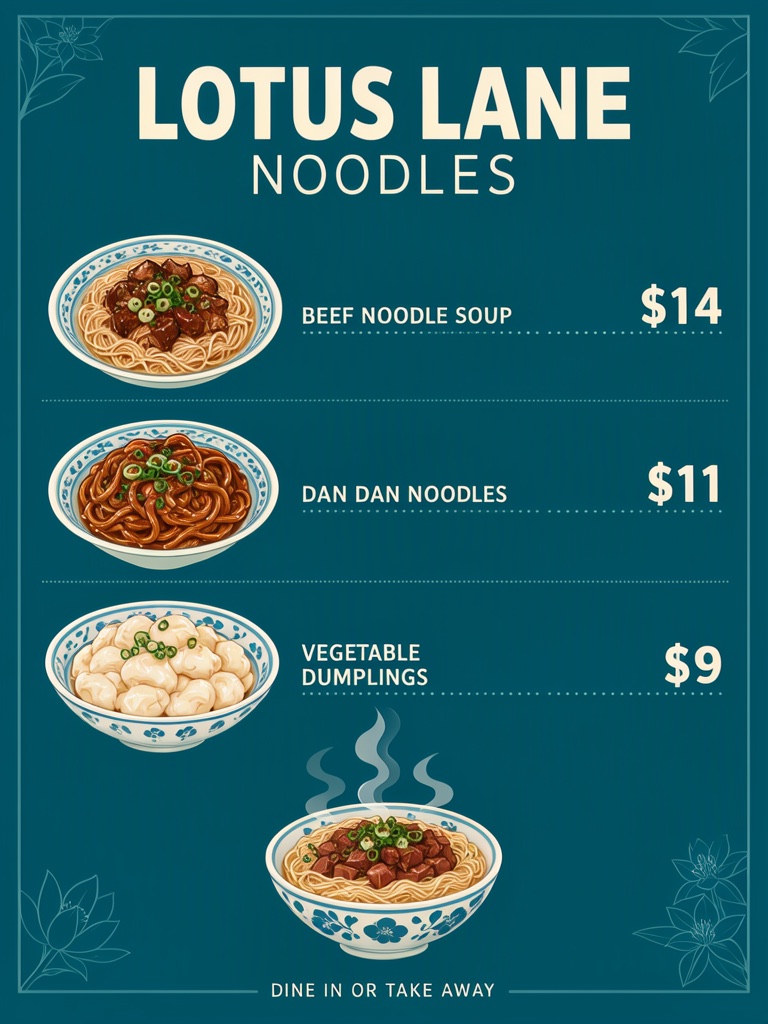
Noodle shop menu poster, flat design on deep teal, cream type, three dish rows each with its own price, thin dotted leaders between dish and price, a steaming noodle bowl illustration at the bottom. Text, render exactly and add nothing else: name 'LOTUS LANE NOODLES'; row 'BEEF NOODLE SOUP $14'; row 'DAN DAN NOODLES $11'; row 'VEGETABLE DUMPLINGS $9'; footer 'DINE IN OR TAKE AWAY'. Render quoted text verbatim; preserve capitalization, punctuation and line breaks; add no other text.
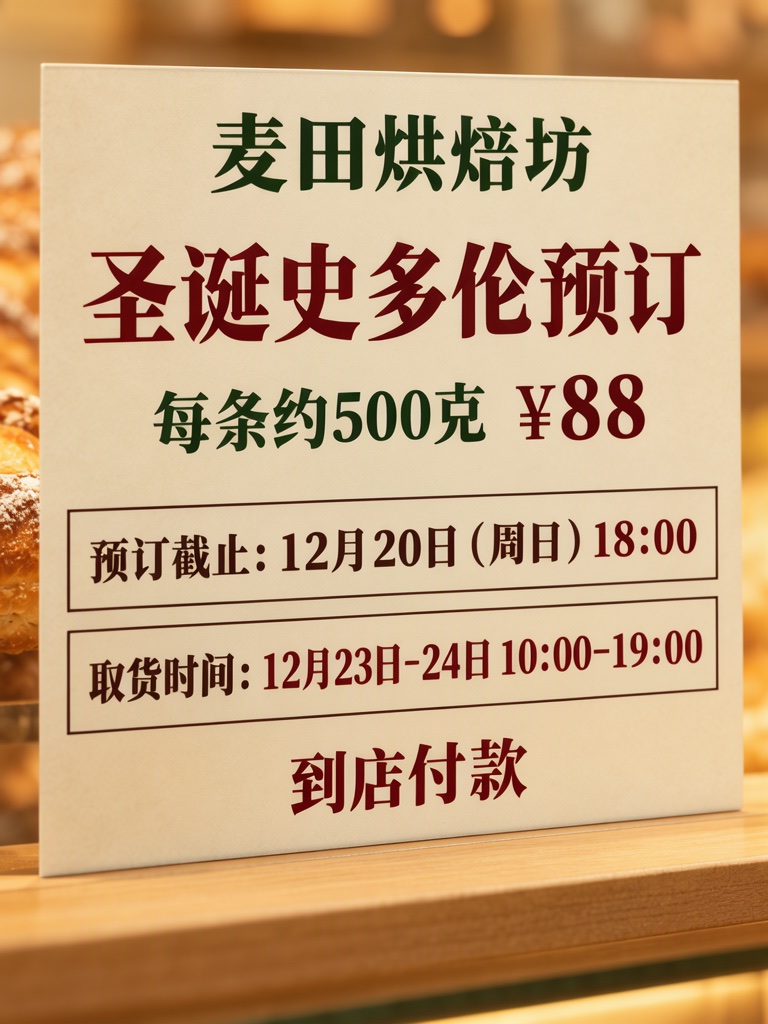
Close-up photograph of a printed poster on a bakery counter, warm light, the poster flat, sharp and filling almost the whole frame, only a thin strip of plain wooden counter and soft blurred warm light around its edges. Cream paper, dark red, dark green and dark brown type, the cutoff line and the pickup line each inside its own thin outlined box. The printed piece holds only the quoted text, and nothing else in view carries any writing: no other signs, labels, stickers or notes. Text, render exactly and add nothing else: top line '麦田烘焙坊'; title '圣诞史多伦预订'; line '每条约500克 ¥88'; cutoff box '预订截止:12月20日(周日)18:00'; pickup box '取货时间:12月23日-24日 10:00-19:00'; note '到店付款'. Render quoted text verbatim; preserve capitalization, punctuation and line breaks; add no other text.
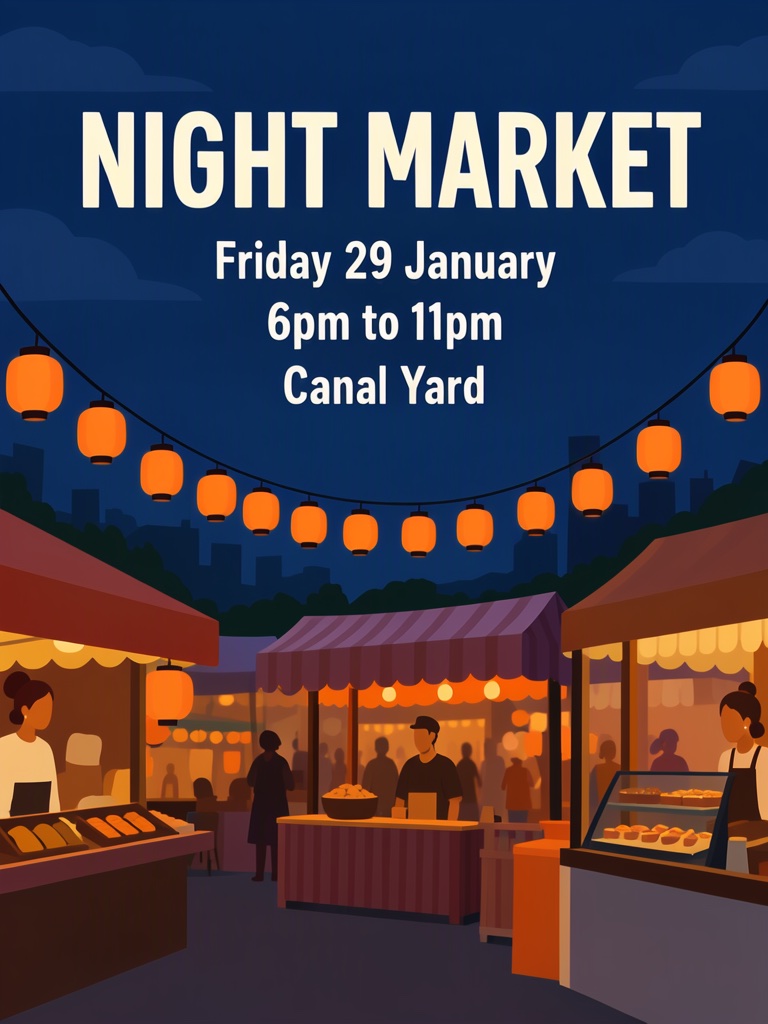
Poster for a night market. Style: flat vector illustration, deep blue night sky, warm orange lantern light, simple shapes, plenty of space around the words. A row of lanterns over a few food stalls in the lower half, the title large at the top, the details under it. The poster holds only the quoted text: no logo, no signature and no other words. Text, render exactly and add nothing else: headline 'NIGHT MARKET'; line 2 'Friday 29 January'; line 3 '6pm to 11pm'; line 4 'Canal Yard'. Render quoted text verbatim; preserve capitalization, punctuation and line breaks; add no other text.
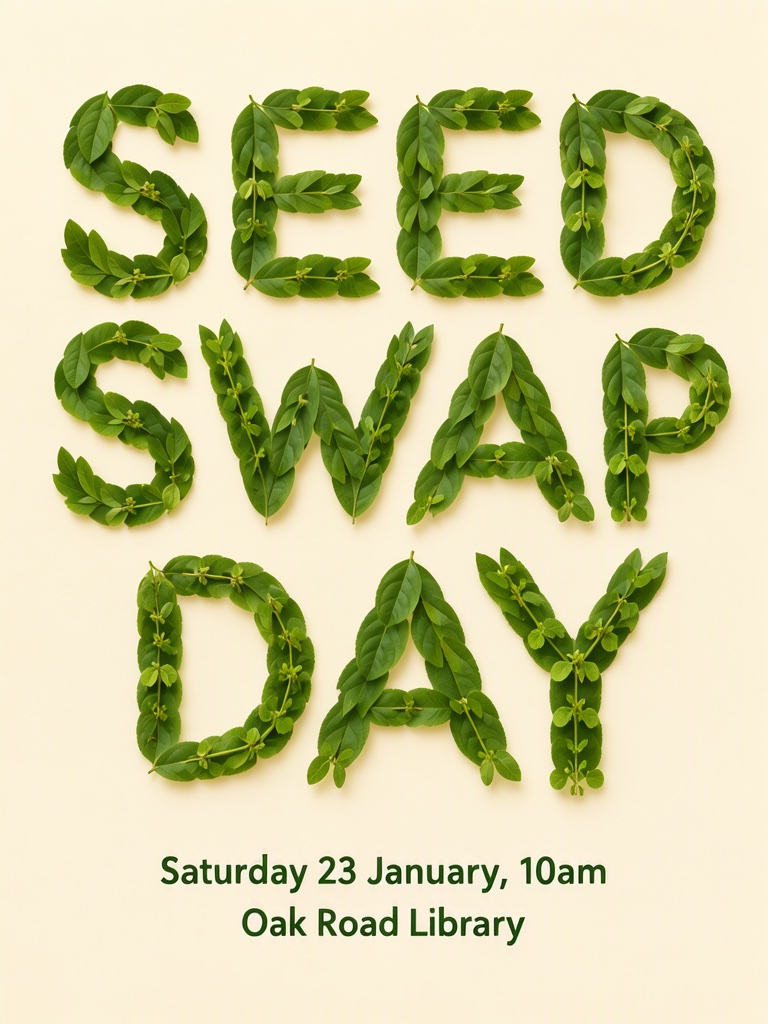
Poster on a pale cream background: the words SEED SWAP DAY spelled out in large capital letters over two lines, each letter made of real green leaves and small sprouts arranged on the paper, photographed from above; below it, the details in plain small dark green printed type, not made of leaves. The poster holds only the quoted text: no logo, no signature and no other words. Text, render exactly and add nothing else: words made of leaves 'SEED SWAP DAY'; date 'Saturday 23 January, 10am'; place 'Oak Road Library'. Render quoted text verbatim; preserve capitalization, punctuation and line breaks; add no other text.
Render quoted text verbatim; preserve capitalization, punctuation and line breaks; add no other text.
ComfyUI demos, reproduced
These four briefs come from the example workflows in the ComfyUI guide for MOSS-Image. Open one in the Studio to run it here, or download the original workflow to run it in your own ComfyUI.
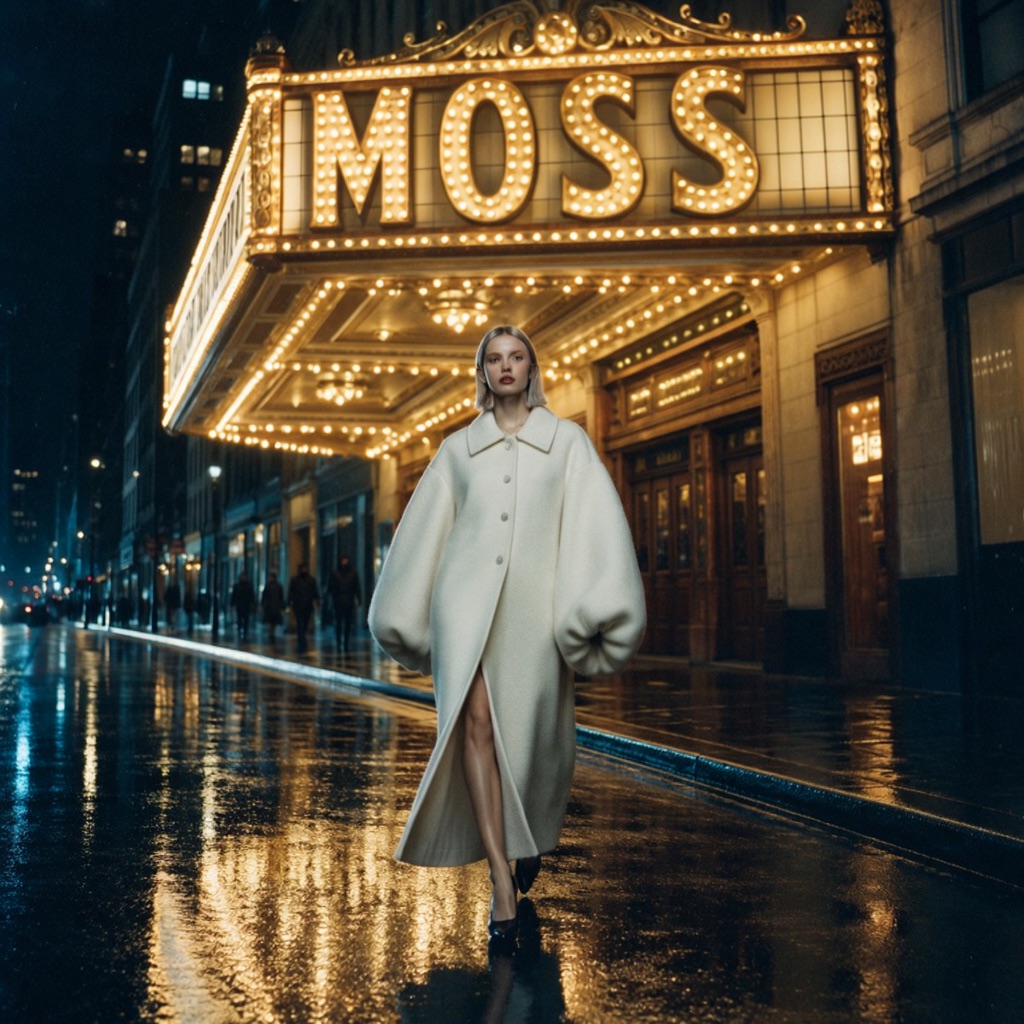
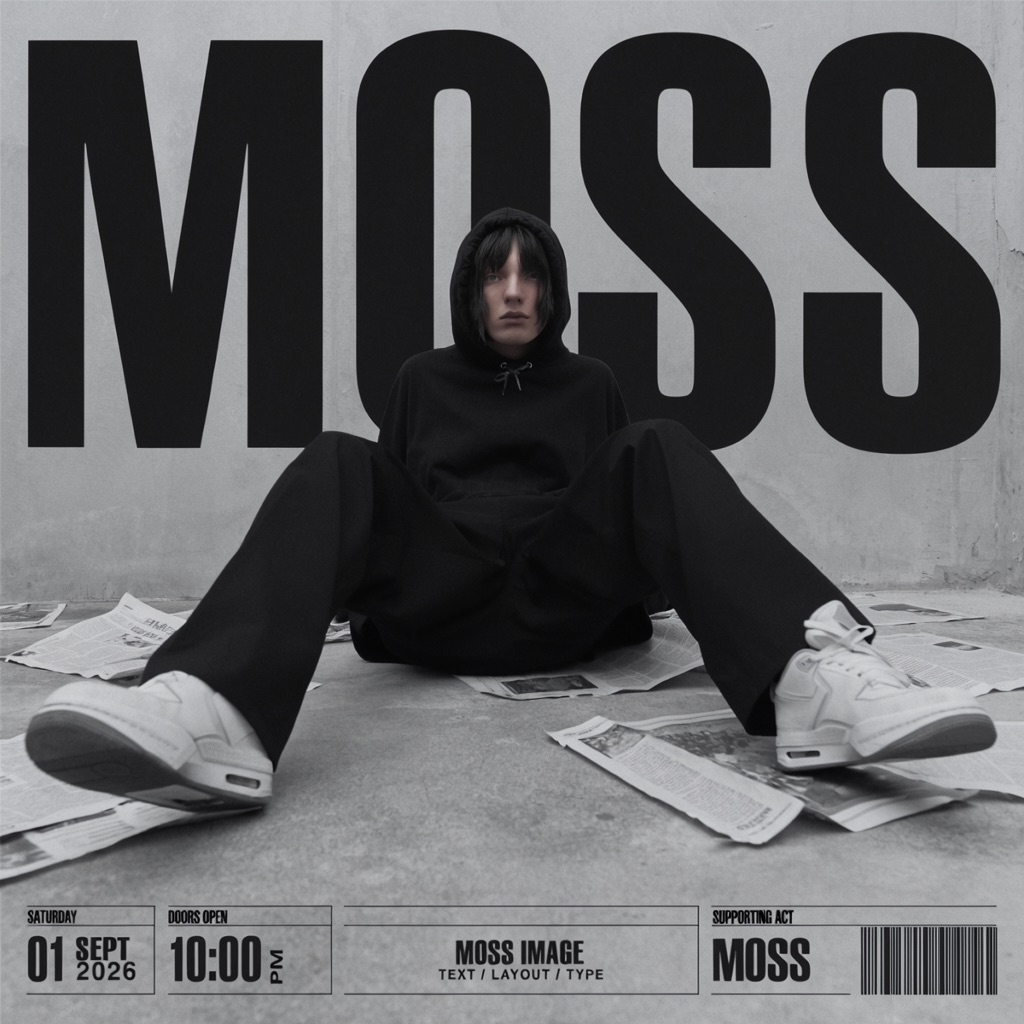
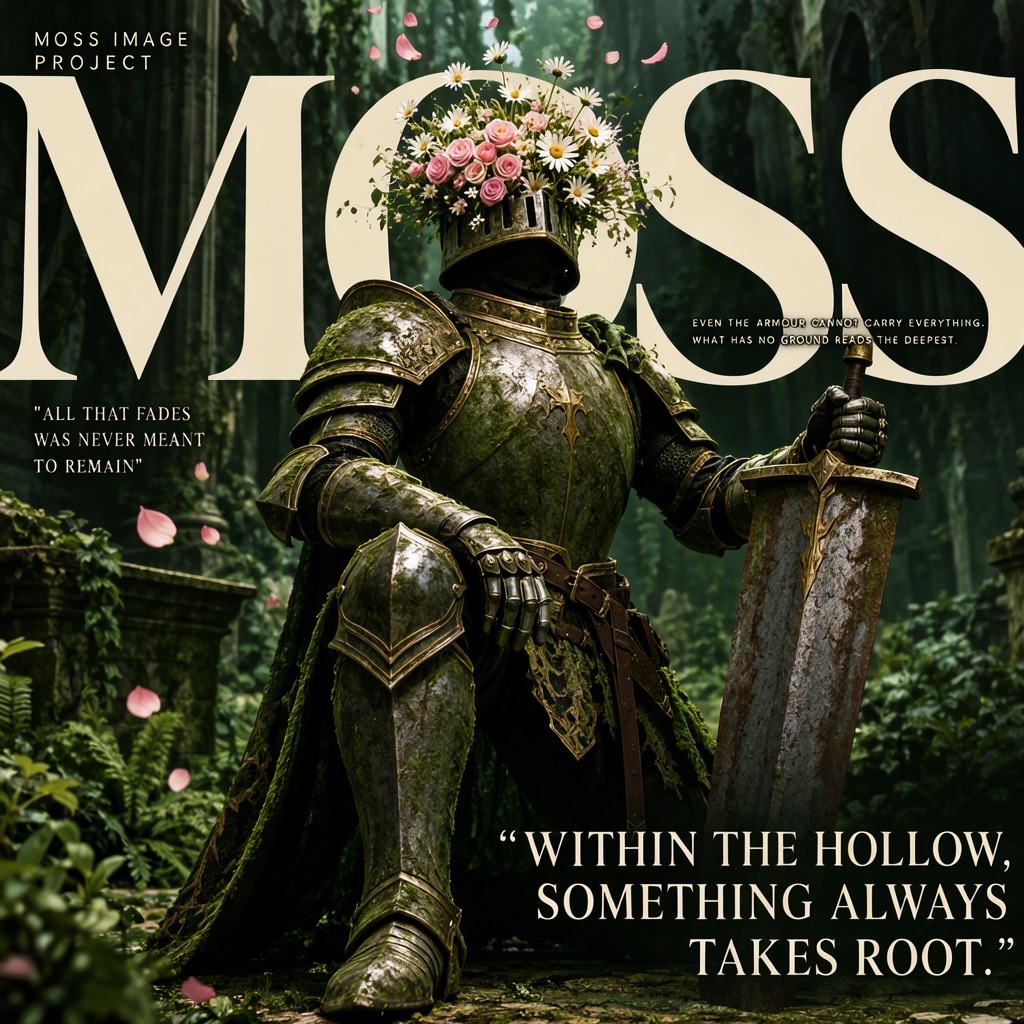
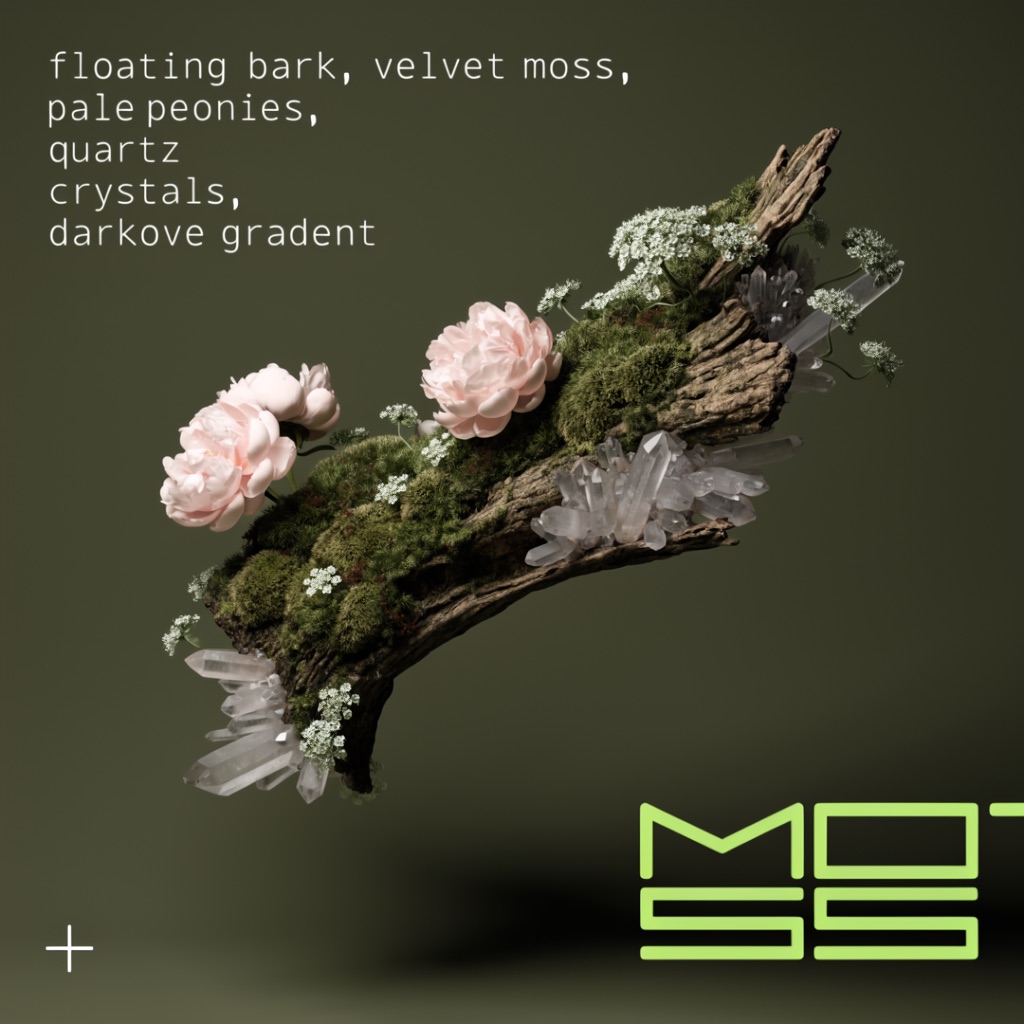
The Studio sends the hosted MOSS API the brief only: no negative prompt, step count, guidance or prompt-upsampler setting. Expect the same brief, not the same pixels. Workflows are Comfy-Org templates (MIT); this site is not affiliated with Comfy-Org or OpenMOSS. Source: ComfyUI documentation
One-time image credit packs: $6 for 25, $18 for 100, $45 for 300. No subscription, credits never expire, and every pack unlocks 2K output.
$0.24 per image
≈ 25 images
$0.18 per image
≈ 100 images
$0.15 per image
≈ 300 images
New accounts start with 3 free image credits. Each image uses 1 credit, and failed generations are refunded. One-time payment in USD.
Yes. This studio runs in your browser, so there is nothing to install or configure. Sign in, write a prompt and generate. It is an independent service and is not affiliated with the OpenMOSS team.
Put each piece of text in quotes and say where it belongs, for example: Heading: 'MORNING CLUB'. Add a line asking the model to render quoted text verbatim and add no other text. Results usually follow, but check spelling before you use an image.
Yes. MOSS-Image can render Chinese and English together, such as '花间书店' above 'BLOOM BOOKS'. Quote each line separately and keep it short. Hindi and other scripts are not something this model documents, so do not rely on it for those. Longer passages are more likely to contain mistakes.
Most image models draw letters as shapes, so words come out misspelled or invented. MOSS-Image was trained on long and Chinese text. Write the words in quotes and keep each line short for the best results.
No. MOSS Image Studio is an independent service and is not affiliated with OpenMOSS. The official model repository is github.com/OpenMOSS/MOSS-Image.
It is a list of boxes, each with a label (text or object), a description, the exact text for text boxes, and its position on the canvas. The Layout Builder writes it for you when you draw boxes, and you can copy it from the JSON tab.
Long paragraphs, very small type and busy backgrounds can still produce mistakes, so check every image before you use it. Output goes up to 2K (1920 × 1088 for 16:9, 1440 × 1440 for square). Uploading an image to edit is not supported.
No. Credit packs are one-time purchases with no subscription, and purchased credits never expire. A generation that fails returns its credit.
Journal
Practical notes on writing the words and arranging the page.
Compare the three documented ways to run MOSS-Image — the free Spaces demo, local ComfyUI with the int8 weights, or a hosted studio.
Read the guide ↗Nov 20, 2026Plan a readable WeChat article cover with a short headline, supporting line and clear artwork, then check the uploaded draft in the publishing preview.
Read the guide ↗Make something worth looking at
Start with a headline. Give it a little space. See where it takes you.